

XM’s VPS Service Terms and Conditions define a Virtual Private Server (VPS) as a dedicated piece of a server in a high specification data centre located close to XM’s trading servers, allowing an MT4 or MT5 trading terminal to keep running continuously on a remote server instead of a local device. This setup allows trading operations to continue even when a trader’s own computer or internet connection is offline.
The same VPS Service Terms and Conditions confirm that XM VPS is a dedicated server located close to XM’s trading servers, allowing an MT4 or MT5 trading terminal to keep running continuously on a remote server rather than a local device, so that open positions, pending orders and Expert Advisors keep operating independent of the client’s local hardware. Traders log into their existing XM account credentials through the VPS environment rather than a new platform.
Eligibility for free XM VPS access is generally tied to meeting a minimum trading volume or account balance condition set by XM, as outlined on XM’s official FAQ page and in the VPS Service Terms and Conditions. Traders who do not meet this threshold typically pay a recurring fee or turn to third-party VPS providers instead. The exact qualifying criteria are detailed further in the “Who Qualifies for Free XM VPS?” section below.
Comparisons between official XM VPS and paid third-party providers usually come down to latency to the trading server, uptime, and overall cost structure. Server proximity to XM’s trading infrastructure is a key factor influencing execution speed in either option.
Latency, data center location and server terms are all defined within XM’s VPS Service Terms and Conditions, which states that XM VPS is a dedicated piece of a server in a high specification data centre located close to XM’s trading servers. These details determine how consistently a hosted terminal performs during active trading sessions.
Running Expert Advisors on XM MT4 or MT5 does not require VPS hosting, since automated strategies can also operate on a locally installed terminal as long as the terminal and internet connection remain active. It is commonly used as a reliability layer for traders who need uninterrupted uptime for continuous algorithmic execution.
Mbroker breaks down each of these aspects in detail below, starting with a clear explanation of what XM VPS actually is before covering how it integrates with MT4/MT5 accounts and who can access it for free.
What Is XM VPS?
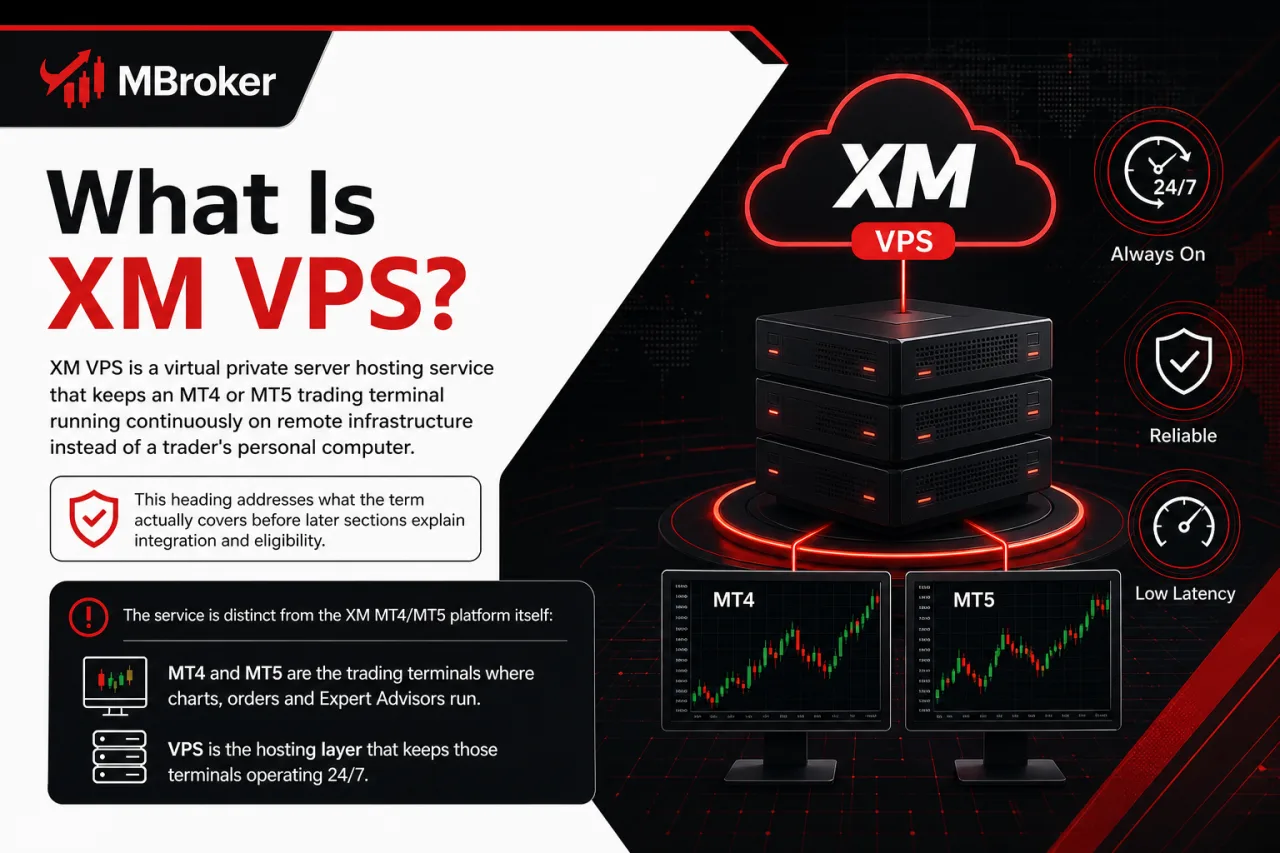
XM VPS is a virtual private server hosting service that keeps an MT4 or MT5 trading terminal running continuously on remote infrastructure instead of a trader’s personal computer. This heading addresses what the term actually covers before later sections explain integration and eligibility.
The VPS service is separate from trading platforms such as XM MT4 and MT5: these platforms provide the trading terminals where charts, orders, and Expert Advisors operate, while VPS hosting keeps those terminals running independently of a trader’s local computer. In practice, a trader logs into the same XM account credentials remotely, and the terminal continues executing open positions, pending orders and automated strategies on the hosted server rather than the trader’s own machine.
Because the terminal runs on remote infrastructure, its uptime is not tied to whether a home computer is switched on or a local connection stays stable. This distinction matters for anyone comparing platform functionality (handled separately under MT4/MT5 topics) against hosting reliability (the specific role VPS plays).
How Does XM VPS Work with MT4/MT5 Accounts?
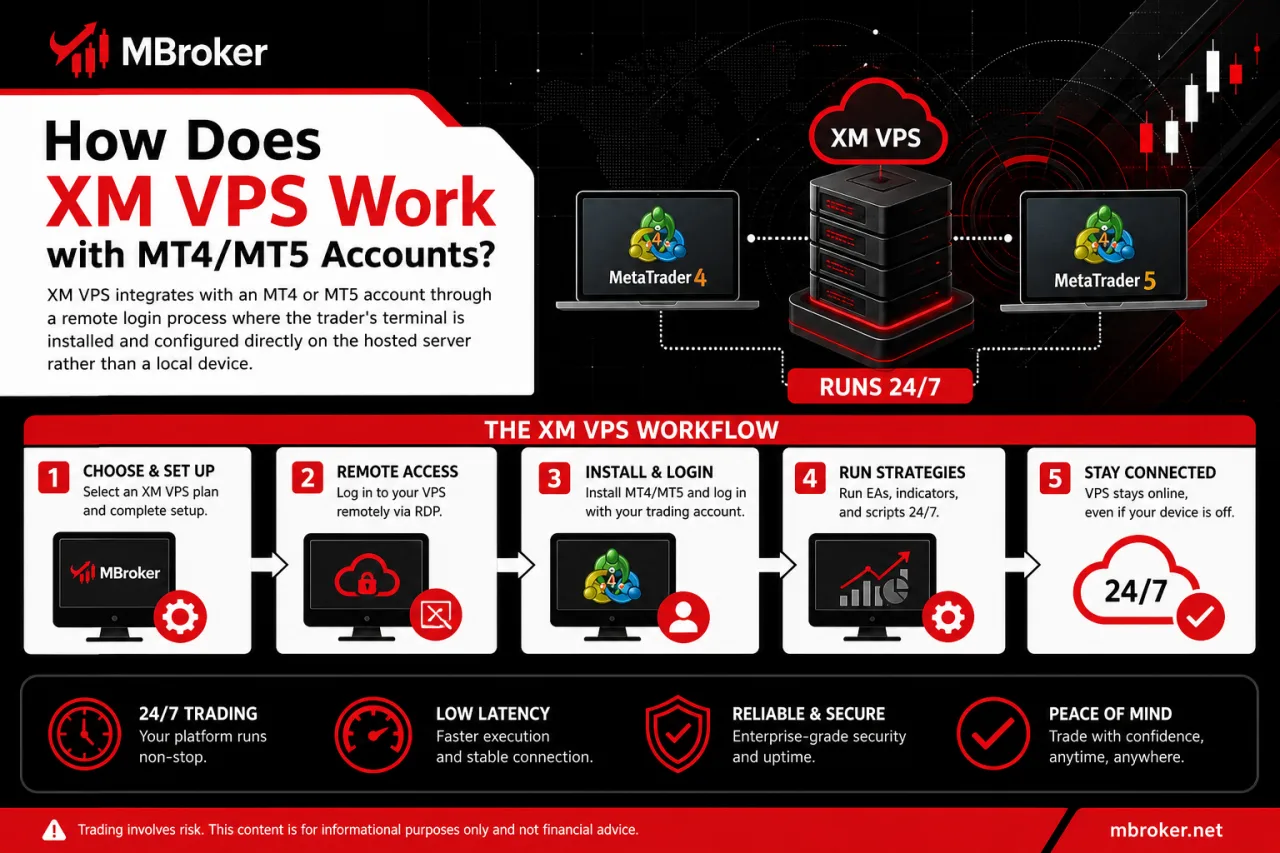
XM VPS integrates with an MT4 or MT5 account through a remote login process where the trader’s terminal is installed and configured directly on the hosted server rather than a local device. Once configured, the workflow follows a few connected steps that keep the trading terminal active independent of the trader’s own hardware.
The following subsections outline how installation, login and continuous execution fit together within this remote setup, along with how the VPS environment stays connected to XM’s trading servers throughout a session.
How Do You Access or Set Up XM VPS?
To access or set up XM VPS, a trader logs into the XM Members Area, locates the VPS service section, and requests activation before receiving server credentials to connect remotely. This process addresses how the hosting environment gets provisioned before an MT4 or MT5 terminal actually starts running on it.
The setup generally follows six connected steps within the official XM Members Area, which Mbroker recommends as the only legitimate access point for this service:
- Logging into the XM Members Area using existing XM account credentials.
- Locating the VPS service section within the account dashboard.
- Requesting or activating the VPS service according to the eligibility terms covered earlier.
- Receiving server credentials, including an IP address, username and password, once activation is approved.
- Connecting to the hosted server through a Remote Desktop Connection application using those credentials.
- Installing and configuring the MT4 or MT5 terminal directly on the remote server, then logging in with the trading account details.
Once these steps are complete, the terminal runs independently on the hosted server rather than the trader’s local device. Traders confirm each step’s exact interface and requirements directly through the XM Members Area, since screens and options may be updated over time.
Unlike VPS hosting, XM WebTrader provides browser-based access to supported MT4 and MT5 accounts without installing a desktop terminal, but it does not run Expert Advisors directly.
Who Qualifies for Free XM VPS?
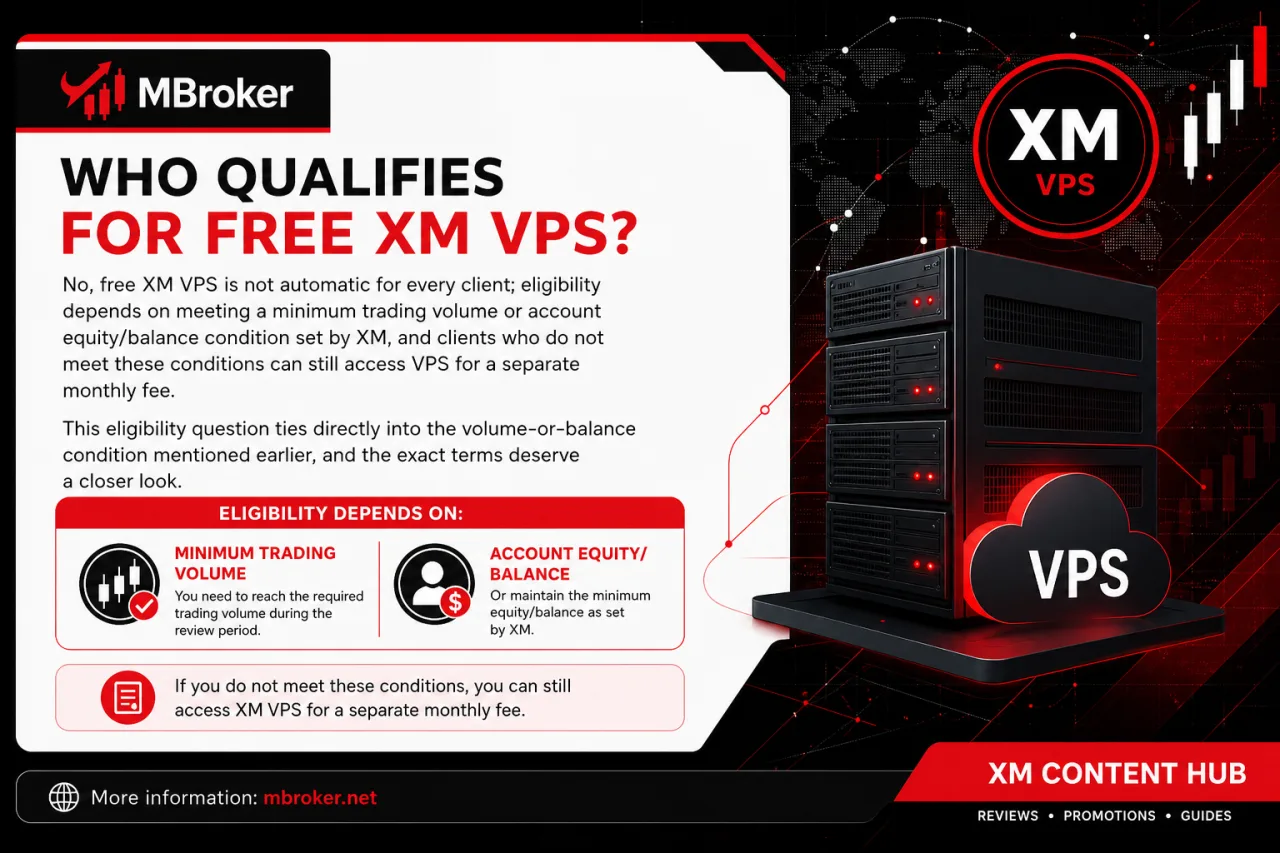
No, free XM VPS is not automatic for every client; eligibility depends on meeting a minimum trading volume or account equity/balance condition set by XM, and clients who do not meet these conditions access VPS for a separate monthly fee. This eligibility question ties directly into the volume-or-balance condition mentioned earlier, and the exact terms deserve a closer look.
XM structures free VPS access around a review period during which a trading account’s activity or balance is measured against a set threshold. Accounts that meet this condition during the review window qualify for complimentary hosting, while accounts that fall short generally face a recurring VPS fee or need a third-party provider instead.
These conditions are not fixed across every account type, since, as noted on XM’s official FAQ page, eligibility for free VPS depends on maintaining a minimum account balance and trading a minimum monthly volume, and such thresholds may differ by account category and can change over time.
For this reason, traders confirm current eligibility rules, minimum volume or balance figures, and qualifying account types directly through the VPS terms published in the XM Members Area rather than relying on outdated figures found elsewhere.
XM Free VPS vs Paid Third-Party VPS: What Are the Differences?
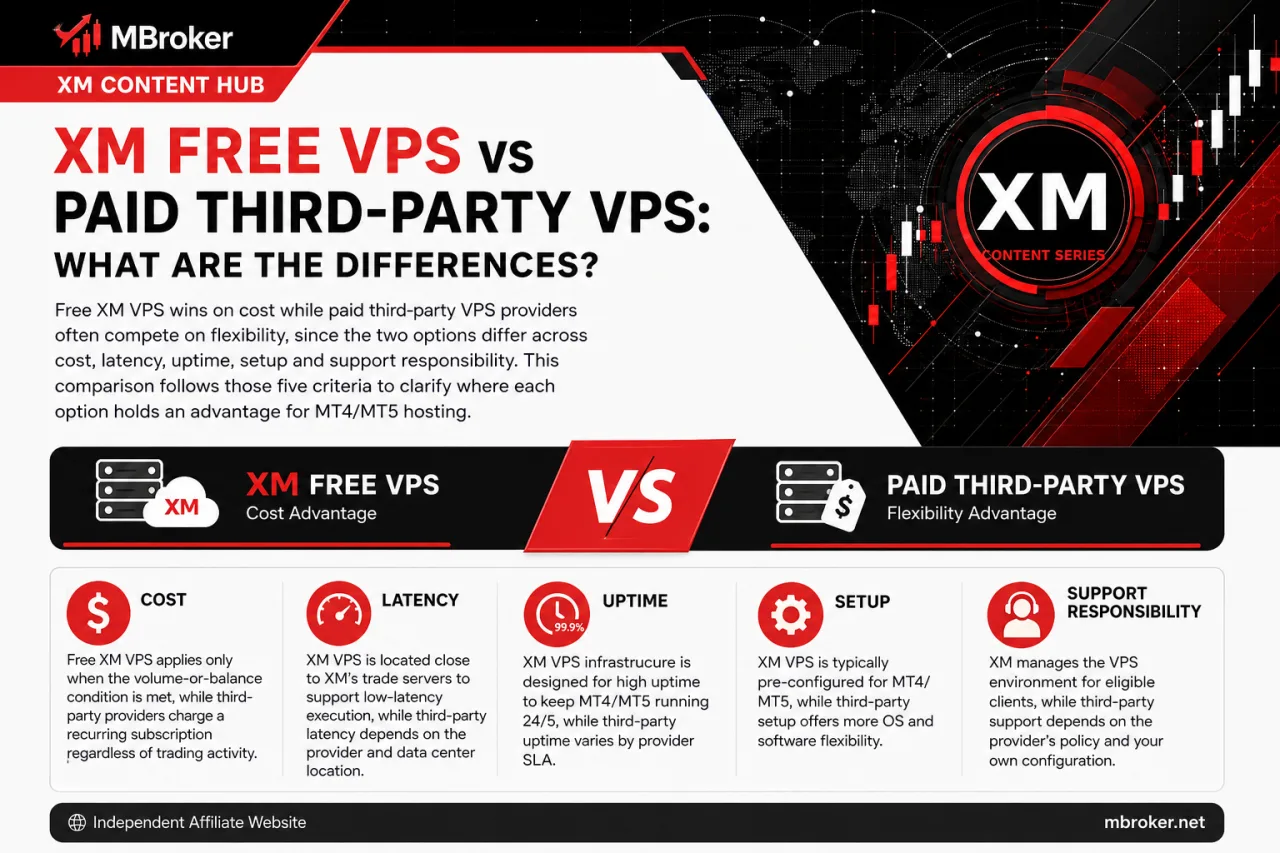
Free XM VPS and paid third-party VPS differ across cost, latency, uptime, setup and support responsibility, with each holding advantages depending on trader eligibility and needs. This comparison follows those five criteria to clarify where each option holds an advantage for MT4/MT5 hosting.
- Cost: free XM VPS applies only when the volume-or-balance condition covered earlier is met, while third-party providers charge a recurring subscription regardless of trading activity.
- Latency: XM VPS servers sit close to XM’s own trading infrastructure, which keeps the connection path short, whereas a third-party server’s latency depends on its own data centre location relative to XM’s servers.
- Uptime: both models depend on the provider’s data centre reliability, so uptime guarantees are set by whichever provider hosts the server, XM or the external company.
- Ease of setup: XM VPS activation runs through the same Members Area login already used for the trading account, while third-party services typically require a separate signup and configuration process.
- Support responsibility: issues with an XM-hosted VPS fall under XM’s support channels, whereas problems on a third-party server are handled exclusively by that external provider, not XM.
Neither option is universally preferable, since the right choice depends on whether a trader already qualifies for free access and how much control over server location or configuration is needed.
What Are the Technical Specifications of XM VPS?
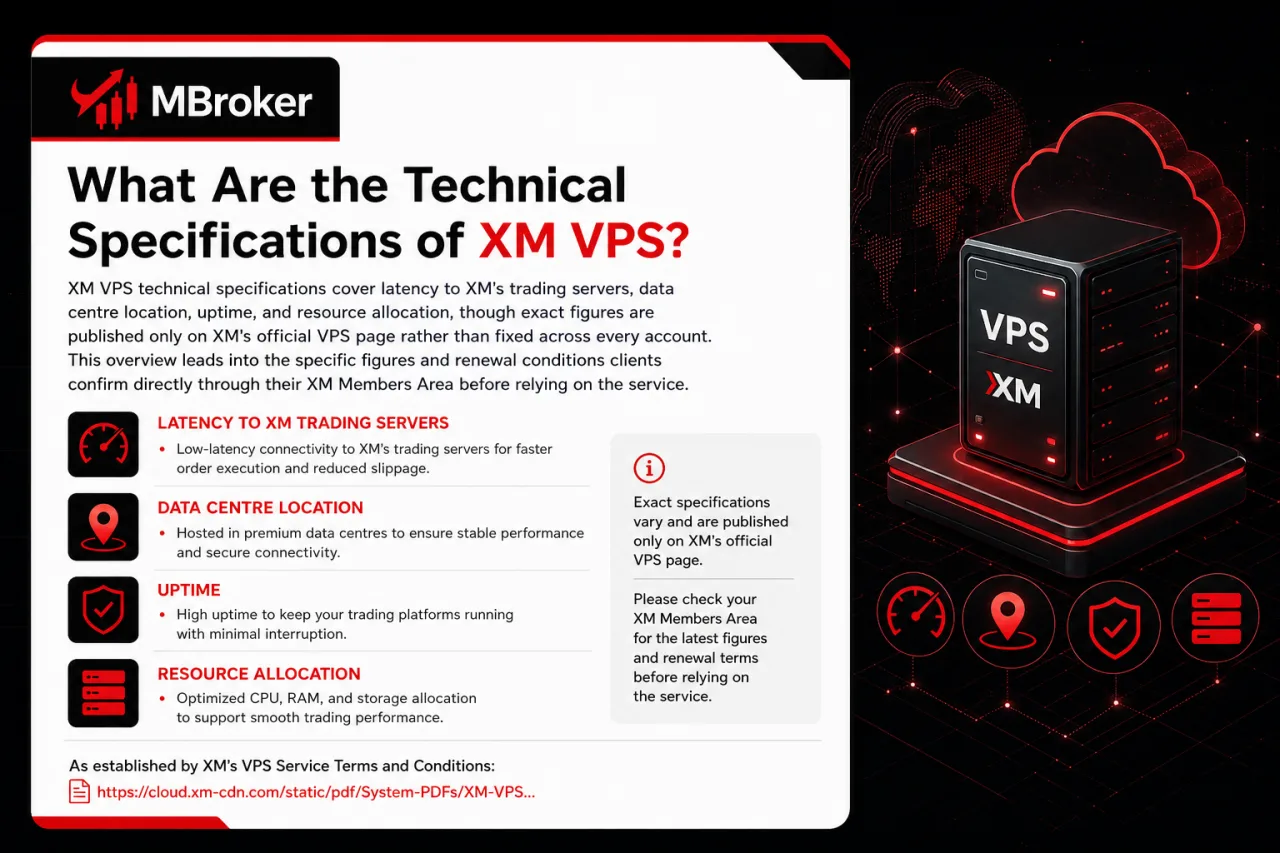
XM VPS technical specifications cover latency to XM’s trading servers, data centre location, uptime, and resource allocation, though exact figures are published only on XM’s official VPS page rather than fixed across every account. This overview leads into the specific figures and renewal conditions clients confirm directly through their XM Members Area before relying on the service.
As established by XM’s VPS Service Terms and Conditions, latency between the VPS and XM’s trading servers stays low because the hosting data centre is a high specification facility located physically close to XM’s own trading server infrastructure, though the document does not publish an exact millisecond figure.
Data centre location is chosen specifically for proximity to XM’s trading servers, though XM does not publicly disclose the exact city or region of the facility.
Server uptime and resource allocation, including CPU, RAM and bandwidth assigned to each hosted terminal, follow specifications set out in XM’s VPS terms, though exact uptime percentage and resource figures are not publicly disclosed.
Free VPS access also carries a review period during which trading volume or account balance is reassessed for continued eligibility. Accounts that stop meeting this condition at renewal typically move to the paid VPS fee already covered in the eligibility section above. Traders verify current latency, uptime and resource figures directly on XM’s official VPS page, since these specifications can change over time.
Is a VPS Necessary for Automated Trading (Expert Advisors) on XM MT4/MT5?
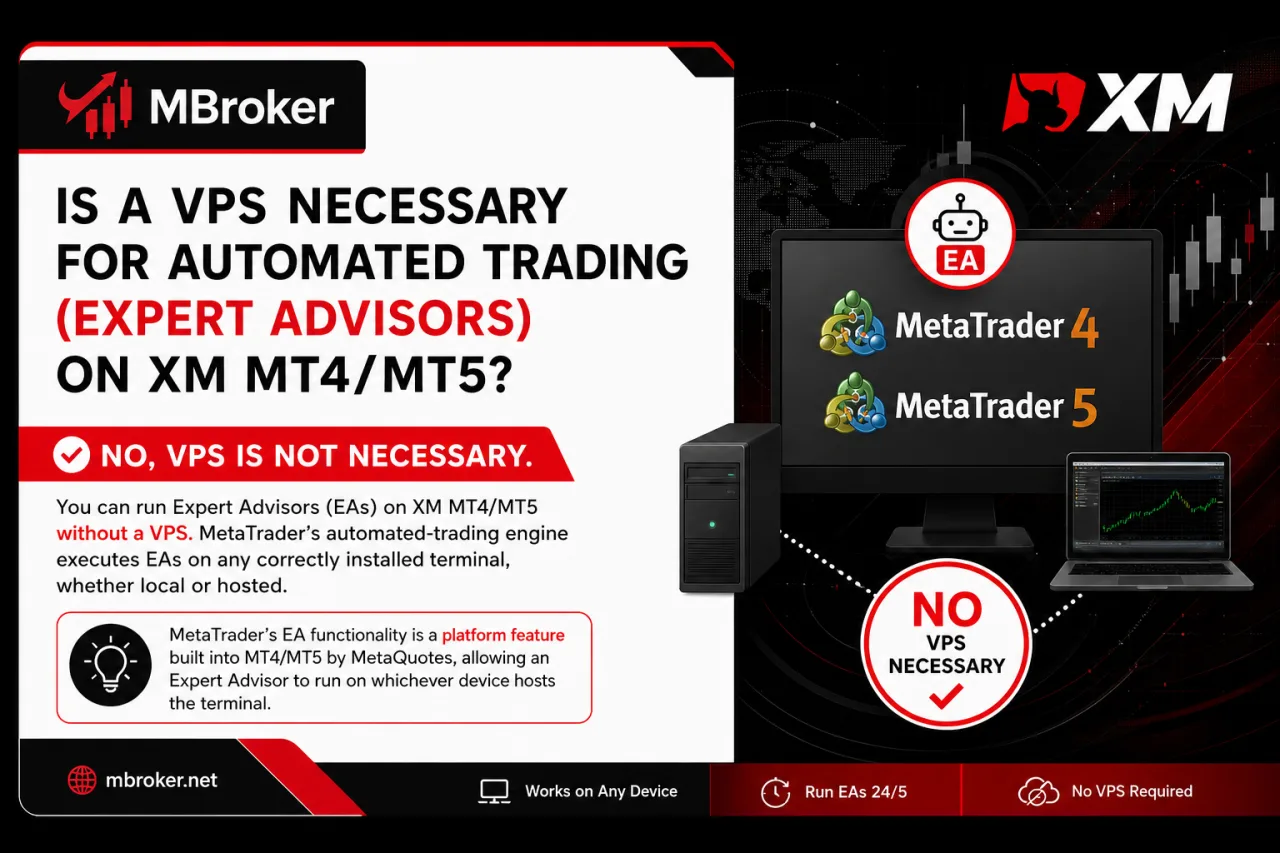
No, VPS is not necessary to run Expert Advisors on XM MT4/MT5, since MetaTrader’s automated-trading engine executes EAs on any correctly installed terminal, whether local or hosted. This question sits at the core of why VPS and EA functionality get discussed together despite being separate services, so distinguishing them clarifies the actual relevance.
MetaTrader’s EA functionality is a platform feature built into MT4/MT5 by MetaQuotes, allowing an Expert Advisor to run on whichever device hosts the terminal, without XM’s hosting infrastructure being a prerequisite. XM VPS is a separate hosting service that keeps that same terminal, and any EA running on it, active on remote infrastructure instead of a trader’s own machine.
Traders running algorithmic strategies often choose VPS anyway for a few practical reasons:
- Reducing exposure to local power outages or internet dropouts that would otherwise pause an EA mid-execution.
- Maintaining a stable, low-latency connection to XM’s trading servers throughout continuous algorithmic activity.
- Avoiding the need to keep a personal computer switched on around the clock for uninterrupted uptime.
A locally installed terminal with a stable connection runs EAs without issue, while VPS functions as an added reliability layer rather than a strict technical requirement.
Traders interested in an alternative to running their own Expert Advisors can explore our XM Copy Trading guide, which explains how following Strategy Managers differs from algorithmic trading through a VPS-hosted terminal.
What Are Some Lesser-Known Considerations When Using XM VPS?
A few edge cases fall outside the core setup and eligibility rules already covered: running multiple MT4/MT5 accounts on one VPS instance, the security responsibility that comes with remote desktop access, and what happens to an active VPS session once free eligibility is lost. These points sit at the margins of everyday XM VPS use but affect how the service behaves in less typical situations.
Does XM VPS Support Running Multiple MT4/MT5 Accounts Simultaneously?
Yes, one XM VPS instance generally supports installing and running multiple MT4 or MT5 terminals side by side, since each terminal operates as a separate installation on the same remote desktop environment. Whether several accounts run smoothly depends on the resource allocation assigned to that VPS instance.
Running additional terminals draws on the same CPU, RAM and bandwidth pool covered in the technical specifications above, so performance across all accounts declines as more terminals run simultaneously on one server slot.
How Does XM VPS Affect Account Security?
XM VPS shifts part of the security responsibility onto the trader, since remote desktop credentials, including the server IP address, username and password, grant direct access to every terminal and account logged in on that instance. Safeguarding these credentials matters as much as protecting the XM trading account password itself.
- Storing remote desktop credentials only in secure, private locations rather than shared devices.
- Closing the remote desktop session properly instead of leaving it logged in indefinitely on shared networks.
- Reporting any suspected unauthorised access to XM support immediately rather than attempting independent fixes.
What Happens If You Lose Eligibility for Free XM VPS?
An already-running VPS session does not shut down instantly once an account falls below the required equity or volume threshold, since eligibility appears to be reassessed periodically rather than in real time.
At the next renewal check, an account that no longer meets the balance or volume condition typically moves onto the paid VPS fee structure already outlined in the eligibility section, or loses hosting access if the fee is not settled.
Does XM VPS Support Running Multiple MT4/MT5 Accounts Simultaneously?
Yes, XM VPS supports running multiple MT4/MT5 accounts simultaneously, since each terminal installs as a separate program on the same remote desktop rather than requiring a dedicated server slot per account. The resource dependency behind this point warrants a closer look.
Whether several terminals run smoothly on one instance ties directly to the CPU, RAM and bandwidth allocated to that specific VPS plan. A few practical factors shape this outcome:
- Adding terminals increases the combined load on the shared resource pool.
- Running multiple EAs across accounts at once compounds that resource demand further.
- Checking the exact allocation limits published under XM’s official VPS terms confirms how many terminals a given plan handles reliably before performance degrades.
What Happens If You Lose Eligibility for Free XM VPS?
Losing eligibility for free XM VPS generally results in the service being suspended or requiring reactivation once a renewal review finds the equity or volume condition no longer met, rather than an immediate shutdown. This scenario connects directly to the eligibility rules and review-period mechanics already outlined above.
A trading account gets reassessed at each renewal checkpoint against the same balance or volume threshold used for initial qualification. Falling short at that checkpoint typically shifts the account onto the paid VPS fee structure, or suspends hosting access if that fee is not settled.
Reactivating the service afterward generally requires either meeting the eligibility condition again in a later review period or paying the applicable fee through the XM Members Area. Exact renewal timing, grace periods and reactivation steps are not detailed in this overview.
Traders confirm current renewal rules, review-period length and reactivation procedures directly through the XM Members Area rather than assuming a fixed timeline applies to every account.
Conclusion: Is XM VPS Worth Using?
XM VPS is a practical reliability tool for traders who need MT4 or MT5 to operate continuously, especially when running Expert Advisors, pending orders or latency-sensitive strategies. However, a VPS is not technically required for automated trading because EAs can also run on a local terminal while the computer and internet connection remain active. XM’s official VPS may offer convenient setup and proximity to its trading servers, while third-party providers can provide greater control over resources and server location. Before subscribing, traders should confirm the latest eligibility requirements, fees, renewal conditions and technical specifications applicable to their XM account.
They should also secure their remote-access credentials and ensure that the allocated resources can support the number of terminals and EAs they intend to run. Readers can learn more about our independent editorial approach, research standards, and XM trading platform resources on the About Mbroker page.

Sylas Trenven is the XM Trading Platform & Markets Editor at Mbroker, specializing in Forex trading platforms, financial instruments, and market-related research. He focuses on analyzing MetaTrader 4, MetaTrader 5, trading technology, and XM market conditions to provide accurate, practical, and accessible information for Forex and CFD traders.