
 Tiếng Việt
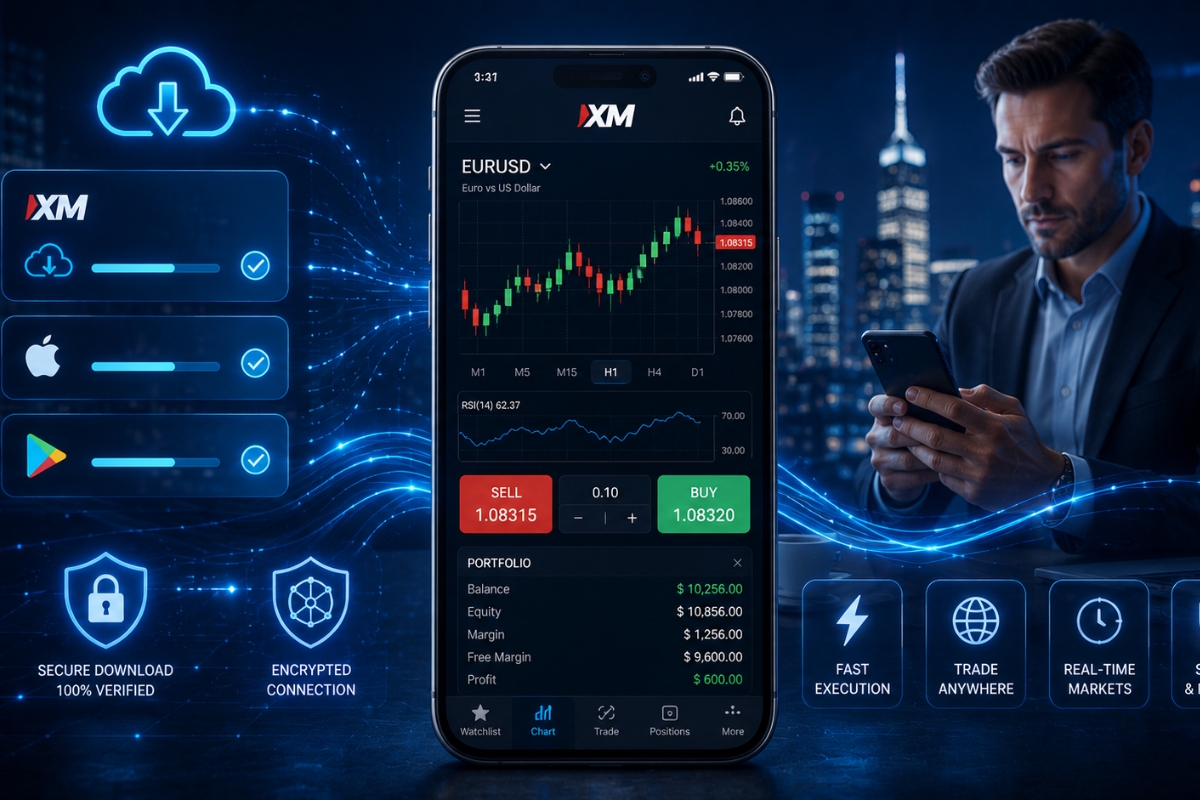
XM Mobile App allows users to trade Forex, CFDs, and commodities in real time directly on mobile devices, providing full order execution and account management anytime.
Additionally, the XM Mobile App can be downloaded on iOS and Android within 2–5 minutes, enabling users to start trading immediately without complex setup.
Moreover, XM Mobile App operates as a complete trading platform with live data, indicators, and instant execution, ensuring a seamless mobile trading experience.
In real trading conditions, XM Mobile App maintains stable performance and fast execution even during market volatility, supporting efficient trade management.
Explore more in the XM Platform category to understand trading tools in depth. Register via MBroker to receive guidance and cashback support for optimizing your trading performance.
XM mobile app overview and platform functionality
The XM mobile app is a robust, all-in-one trading terminal designed to bring the power of institutional-grade trading to your smartphone. Available for both iOS and Android, it serves as a portable gateway to over 1,000 financial instruments, including Forex, Stocks, CFDs, and Commodities.
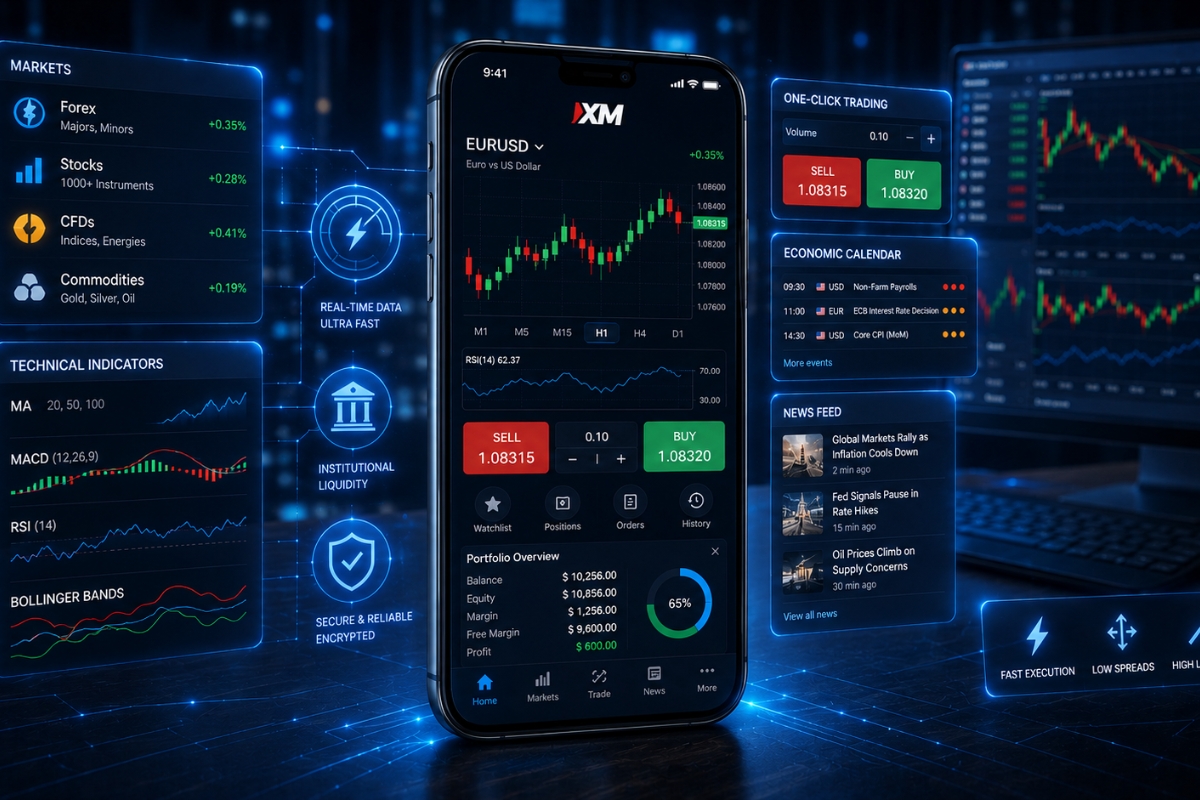
Unlike many simplified trading apps, XM has integrated advanced charting, account management, and real-time news feeds into a single, intuitive interface that maintains a 99.35% execution rate.
To understand why this app is a leader in the fintech space, we must examine its specific features and how it stacks up against traditional desktop setups.
What features are available on the XM mobile platform?
The XM mobile platform is packed with professional-grade tools that cater to both beginners and experts.
- Full Account Management: Deposit and withdraw funds, upload KYC documents, and manage multiple trading accounts within the app.
- Advanced Charting: Access 30+ technical indicators, various chart types (Candlestick, Bar, Line), and multiple timeframes.
- One-Click Trading: Execute trades instantly to capture fleeting market opportunities.
- Research & Education: Integrated economic calendars, daily market previews, and technical summaries from XM’s expert analysts.
While these features are impressive, many traders wonder if a mobile device can truly replace a dedicated workstation.
How does XM mobile app differ from desktop trading platforms?
The primary difference between the XM mobile app and desktop platforms lies in portability versus analytical depth. While the desktop version (MT4/MT5) allows for complex automated trading (Expert Advisors) and multi-screen setups, the mobile app is optimized for agility and ease of use.
The mobile interface uses a “streamlined” design to prevent information overload on small screens, yet it provides the same real-time price feeds and execution speeds as the desktop counterpart.
Having established what the app is, the next critical step is evaluating its performance when real capital is at stake.
Experience in real trading conditions XM mobile app
Trading in real conditions requires a platform that remains stable when market heat increases. The XM mobile app is engineered to provide a seamless transition from a stable home network to mobile data (4G/5G) without losing connectivity.
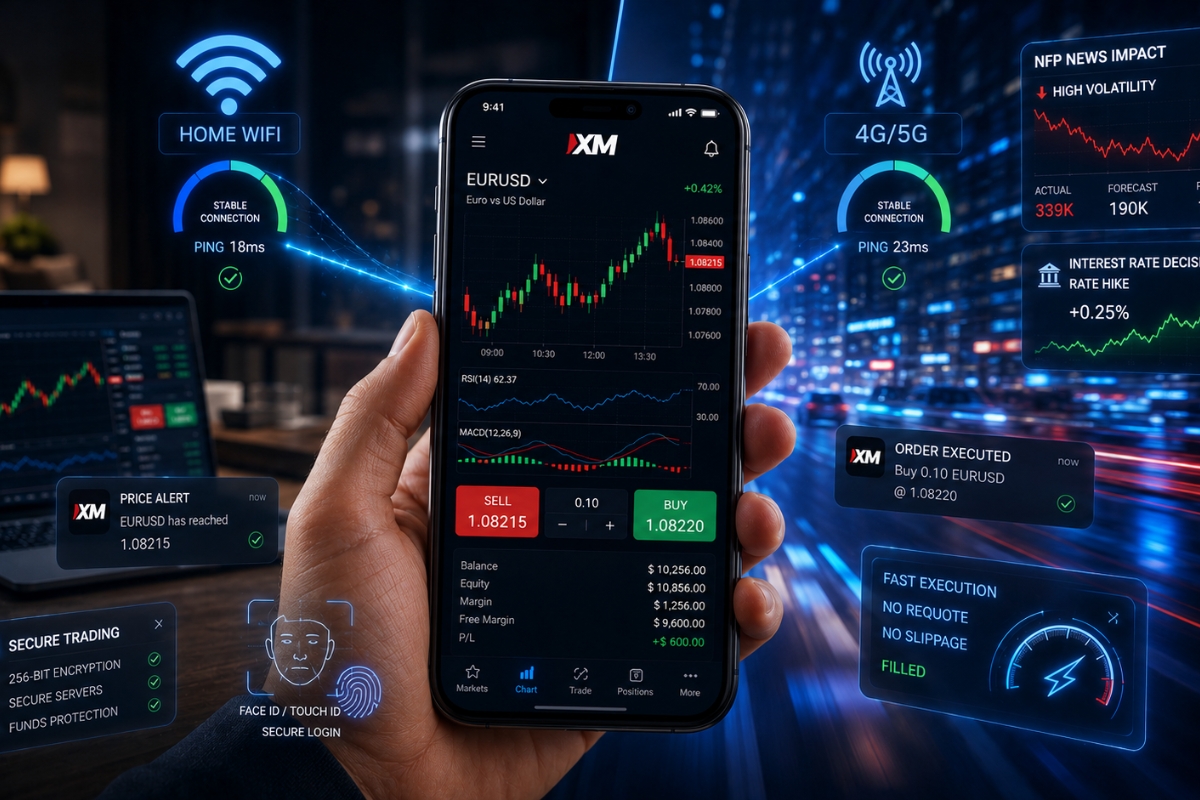
For users at MBroker, this reliability is a core component of a successful strategy, ensuring that price quotes remain accurate and the interface stays responsive even during high-traffic periods.
The true test of any mobile platform, however, occurs during periods of extreme market stress.
How does XM forex trading app perform during market volatility?
During high volatility, such as NFP releases or interest rate decisions, the XM mobile app demonstrates exceptional stability. The app’s backend is optimized to handle rapid data refreshes, preventing the “freezing” issues common in lesser-developed platforms.
Because XM uses a no-requotes policy, mobile users can expect their orders to be filled at the requested price even when the market is moving at high speeds.
This performance under pressure leads to several distinct advantages for modern mobile investors.
What are the advantages of mobile trading with XM?
Mobile trading offers unique benefits that can significantly improve a trader’s bottom line:
- Flexibility: Trade from anywhere—the office, during a commute, or while traveling abroad.
- Instant Notifications: Set price alerts that push directly to your lock screen so you never miss a setup.
- Rapid Response: Close or hedge positions instantly if a news event goes against your strategy.
- Security: Utilize biometric login (FaceID/Fingerprint) for a faster and more secure entry than traditional passwords.
Efficiency is not just about speed; it’s about having a clear, repeatable process for entering the market.
XM mobile app trading workflow and execution process
The trading workflow on the XM mobile app is designed to be logical and fast, reducing the time from “idea” to “execution” XM has successfully condensed the complex order entry system of MetaTrader into a simplified, step-by-step process that minimizes the risk of manual errors.
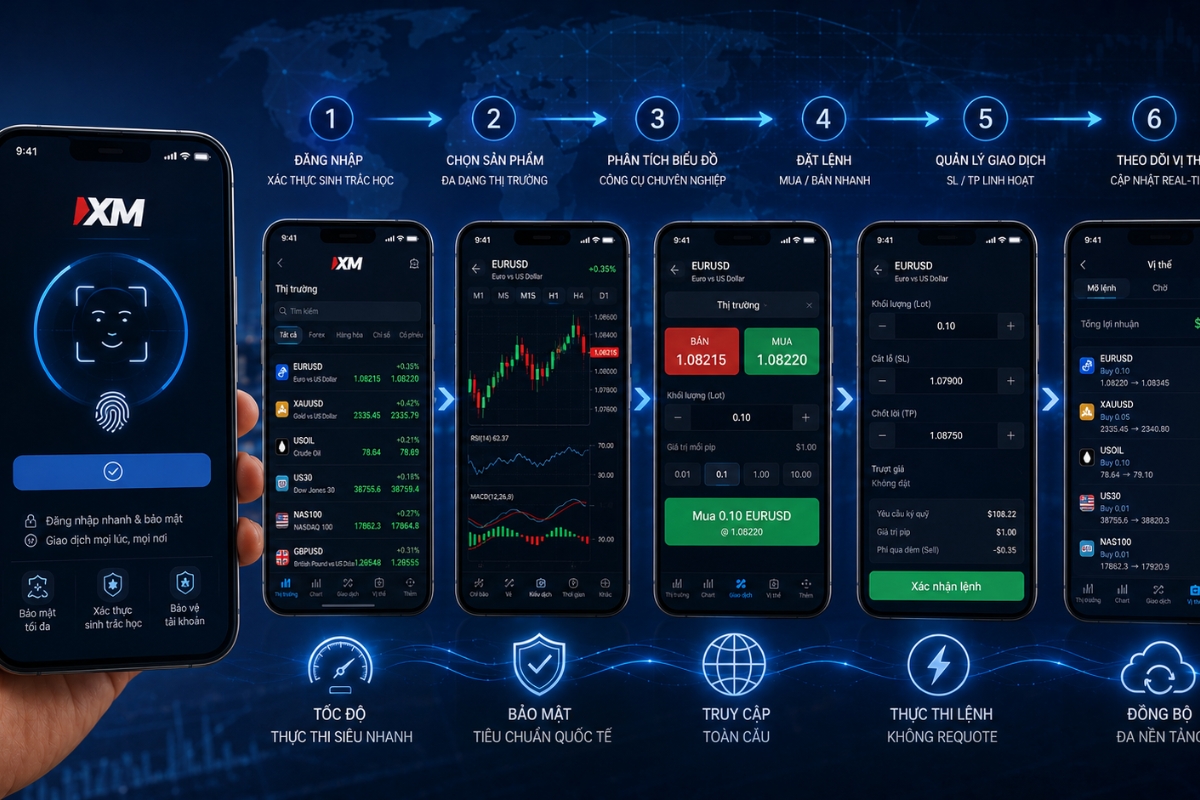
What are the steps to trade on XM mobile app?
Let’s break down exactly how you can go from opening the app to managing a live position.
- Step 1: Log in to the XM mobile app: Open the app and enter your account ID and password. For faster access, enable Biometric Authentication.
- Step 2: Select a trading instrument: Use the “Quotes” tab to search for your desired pair (e.g., EUR/USD) or browse through categories like Commodities or Indices.
- Step 3: Analyze charts and indicators: Tap on the instrument to open the chart. Rotate your phone to landscape mode to apply technical indicators or draw trendlines for better accuracy.
- Step 4: Place Buy or Sell order: Tap the “New Order” button. Choose your trade size (Lots) based on your risk management plan.
- Step 5: Set Stop Loss and Take Profit: Before confirming, enter your SL and TP levels to protect your capital. This is a critical step emphasized by the experts at MBroker.
- Step 6: Monitor and manage trades: Once the trade is live, visit the “Orders” tab to track your P/L (Profit/Loss) in real-time or modify your exit levels.
A smooth workflow is vital, but many ask if the execution quality remains as high as on a desktop PC.
How does execution on mobile compare to desktop?
Technically, the execution on the XM mobile app is identical to the desktop version. Both platforms connect to the same XM trade servers, meaning your order is routed with the same sub-second speed. Whether you are on a high-end PC or a smartphone, you benefit from the same deep liquidity pool and “no-requotes” infrastructure, ensuring parity for all users across the XM ecosystem.
To experience this for yourself, you first need to get the app onto your device correctly.
The process of downloading and installing the XM mobile app
Downloading the XM mobile app is a straightforward process, but it must be done through official channels to ensure the security of your funds. XM has made the app compatible with a wide range of hardware, ensuring that even older smartphones can run the software efficiently.
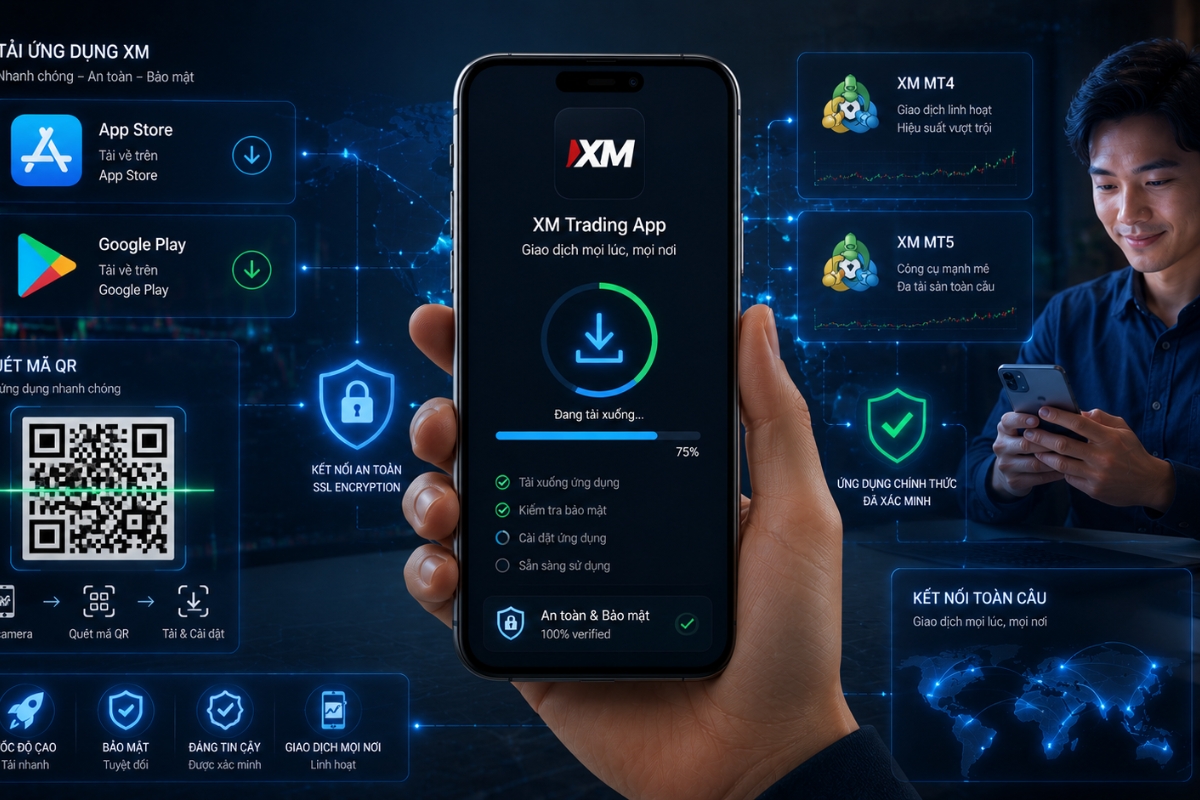
The installation typically takes less than two minutes, after which you can immediately access your MT4 or MT5 accounts.
Different devices require slightly different approaches for a successful setup.
How to download XM mobile app on different devices?
- For iOS (iPhone/iPad): Open the Apple App Store, search for “XM – Trading & Management,” and tap “Get.”
- For Android: Visit the Google Play Store, search for the official XM app, and click “Install.”
- Via Website: You can also visit the official XM website and scan the QR code to be redirected to the correct store page.
Before you hit install, there are a few technical prerequisites to keep in mind for the best experience.
What should users check before installing the app?
To ensure the app runs smoothly, verify the following:
- OS Version: Ensure your iOS or Android version is up to date (usually the last 3 versions are supported).
- Storage Space: The app is lightweight, but you should have at least 150MB of free space for data caching.
- Internet Stability: While it works on 4G, a stable Wi-Fi connection is recommended for the initial download and setup.
Once installed, it is important to weigh the app’s overall value against your specific trading needs.
The XM Mobile App is a powerful, flexible, and secure platform that empowers you to take the markets with you. By following the strategic advice from MBroker and utilizing the app’s advanced execution features, you can ensure that you are always ready to capitalize on market opportunities, no matter where you are.

Sylas Trenven is a forex strategist who helps traders master risk and timing. His work focuses on behavior-driven market entries and portfolio optimization for XM users looking to trade with precision and discipline. Email: [email protected]