
 Tiếng Việt
Permanently closing an XM account requires submitting a closure request through the Members Area or contacting XM support directly, since no self-service delete button exists in the client dashboard. XM verifies the request, confirms the account holder’s identity, and finalizes closure once all conditions are met.
Closing a single additional trading account under one XM profile is a separate process that only deactivates that specific account number, leaving the main profile and other linked accounts active. This option suits traders who want to remove an unused account without losing access to their full XM profile.
Any remaining balance should be withdrawn or transferred to another XM account before closure, as brokers typically do not process closure requests while an account still holds an open balance. Users typically choose between a standard withdrawal or an internal transfer to consolidate funds first.
XM may retain certain account data after closure to comply with regulatory record-keeping obligations, meaning personal information is not necessarily erased immediately upon request. This retention period follows XM’s privacy policy and applicable financial regulations rather than the user’s preference. Mbroker outlines these procedures below, starting with how the full closure process works, who qualifies to close an account, and what to prepare beforehand.
How Do You Permanently Close Your XM Account?
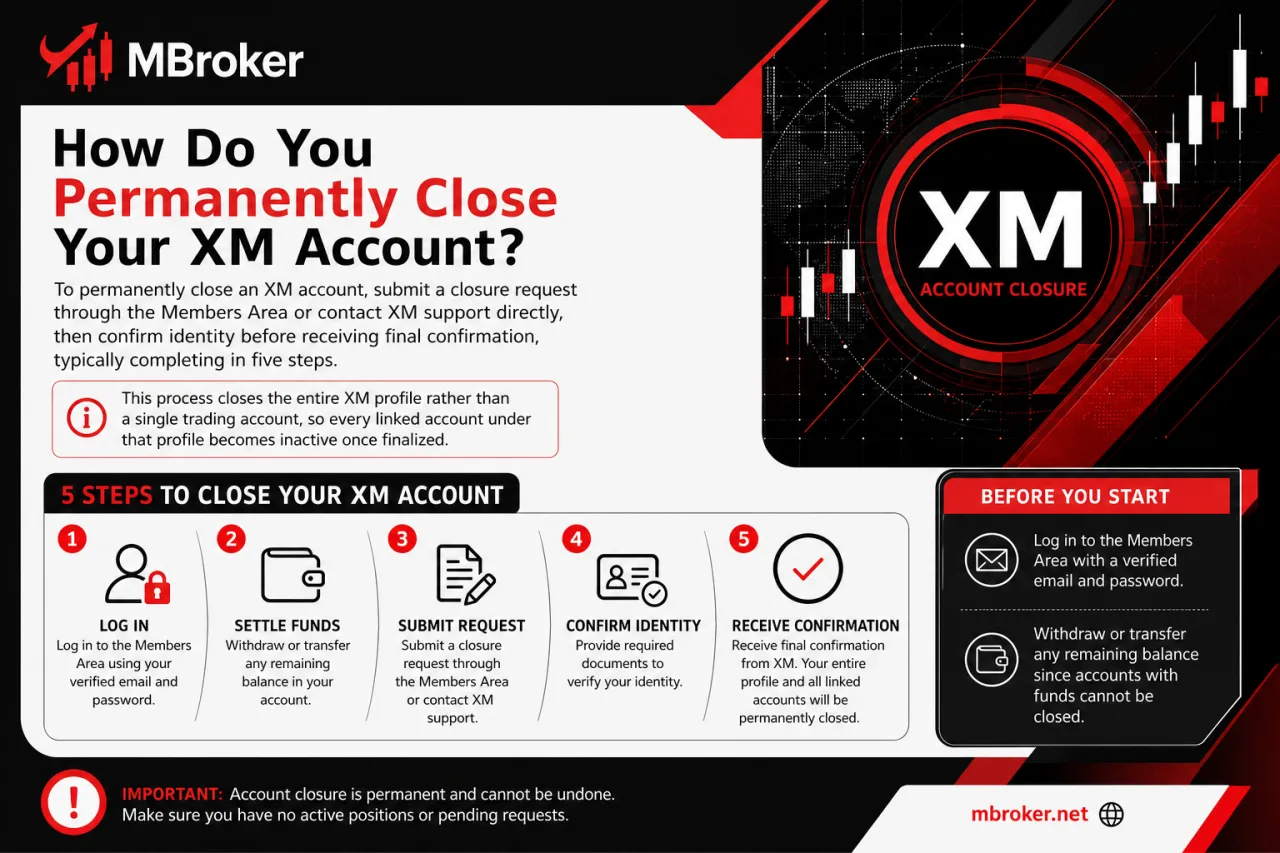
To permanently close an XM account, submit a closure request through the Members Area or contact XM support directly, then confirm identity before receiving final confirmation, typically completing in five steps. This process closes the entire XM profile rather than a single trading account, so every linked account under that profile becomes inactive once finalized.
Before starting, log in to the Members Area with a verified email and password, and withdraw or transfer any remaining balance since XM does not process closure while funds remain in the account.
- Log in to the official XM Members Area using verified credentials.
- Locate the account settings or profile section within the dashboard.
- Submit a closure request through the available option, or contact XM support directly if no self-service closure feature appears.
- Confirm identity if XM support requests additional verification for security purposes.
- Receive a confirmation email once XM finalizes the closure and updates the account status.
Eligibility generally requires an active XM profile with a verified email and no pending balance or open trading positions. Closure steps may vary slightly depending on the XM legal entity registered to the account and the trader’s country of residence.
Readers should verify the current closure procedure and required documents directly on the official XM website corresponding to their registered entity before submitting a request.
Who Is Eligible to Close an XM Account?
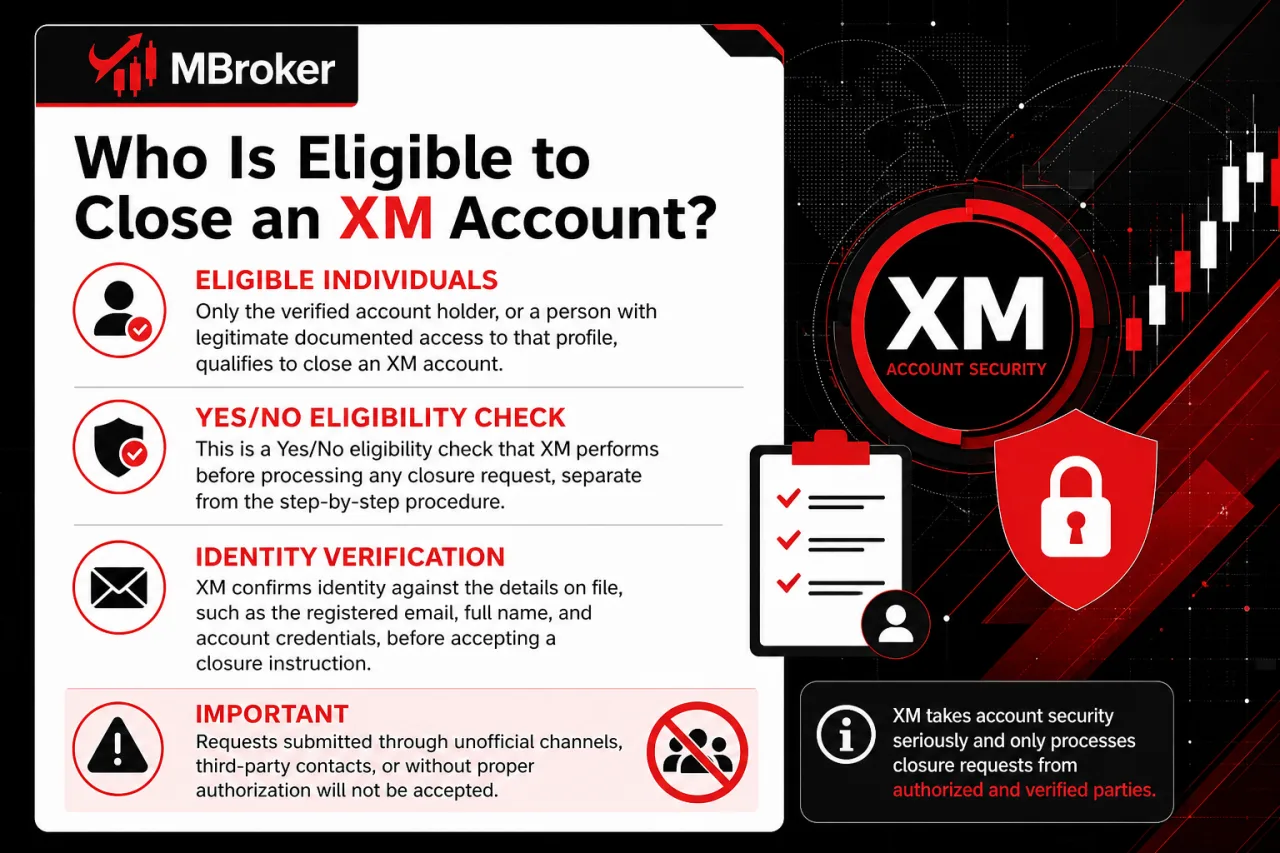
Only the verified account holder, or a person with legitimate documented access to that profile, qualifies to close an XM account. This is a Yes/No eligibility check that XM performs before processing any closure request, separate from the step-by-step procedure already outlined above.
XM confirms identity against the details on file, such as the registered email, full name, and account credentials, before accepting a closure instruction. Requests submitted through unofficial channels, third-party representatives without authorization, or unverified contact methods are not honored.
Eligibility generally depends on three conditions:
- Ownership: the requester matches the verified account holder on record.
- Verification: identity confirmation succeeds if XM support requests supporting documents.
- Channel: the request arrives through the official Members Area or verified XM support contact only.
Traders sharing an account with another person, or lacking access to the original registration email, typically face delays until ownership is confirmed. Readers should verify their own eligibility status directly with XM support before submitting a closure request.
What Should You Prepare Before Starting the Closure Process?
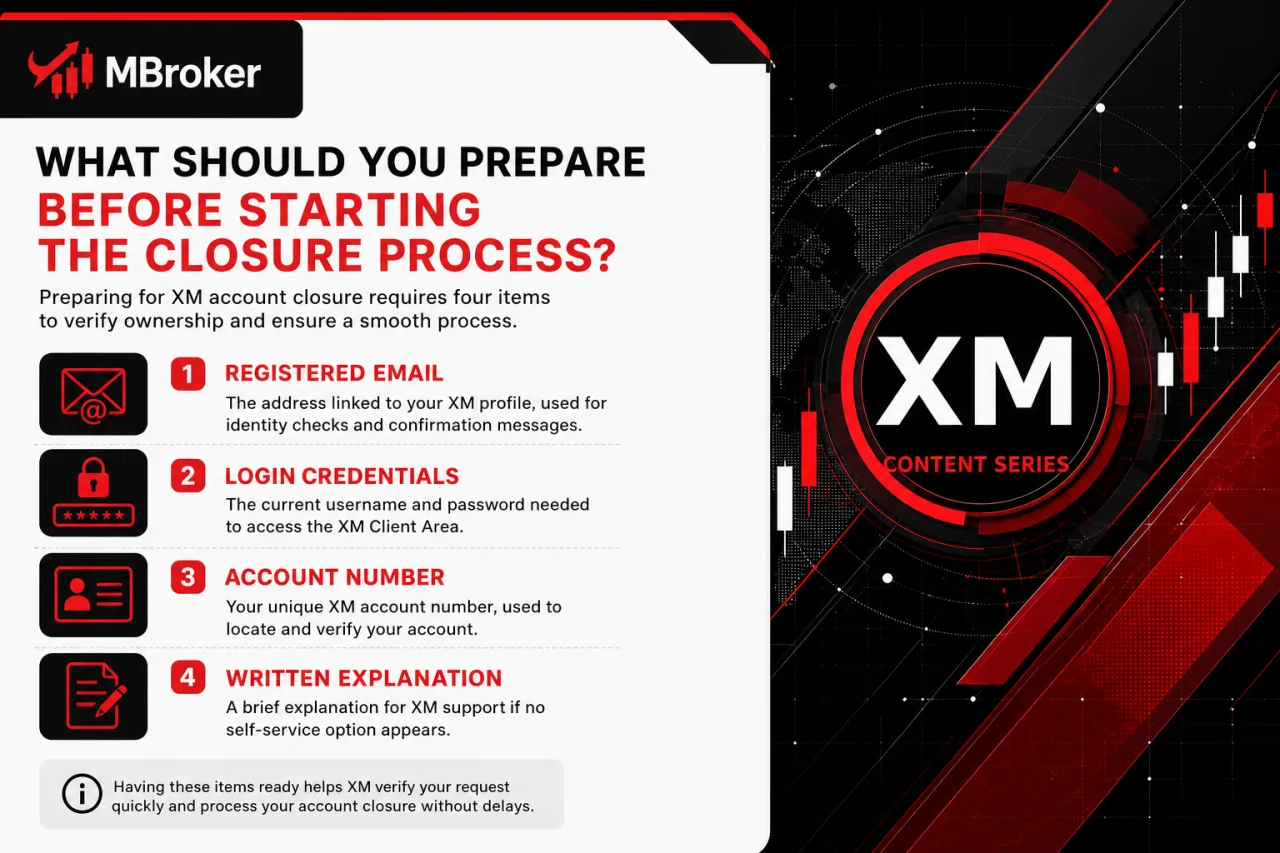
Preparing for XM account closure requires four items: the registered email, valid login credentials, the account number, and a written explanation for XM support if no self-service option appears. These items confirm ownership and let XM process the request without delays caused by missing verification details.
- Registered email: for identity checks and confirmation messages.
- Login credentials: username and password for Members Area access.
- Account number: identifier for the profile and linked trading accounts.
- Written request: brief reason for closure, useful when contacting support directly.
Requirements differ depending on the XM legal entity handling the account, since some entities may request additional confirmation steps or supporting documents. Readers should verify the exact preparation checklist through the official XM website matching their registered entity before submitting a closure request.
How Do You Close an Additional XM Trading Account Without Deleting Your Whole Profile?
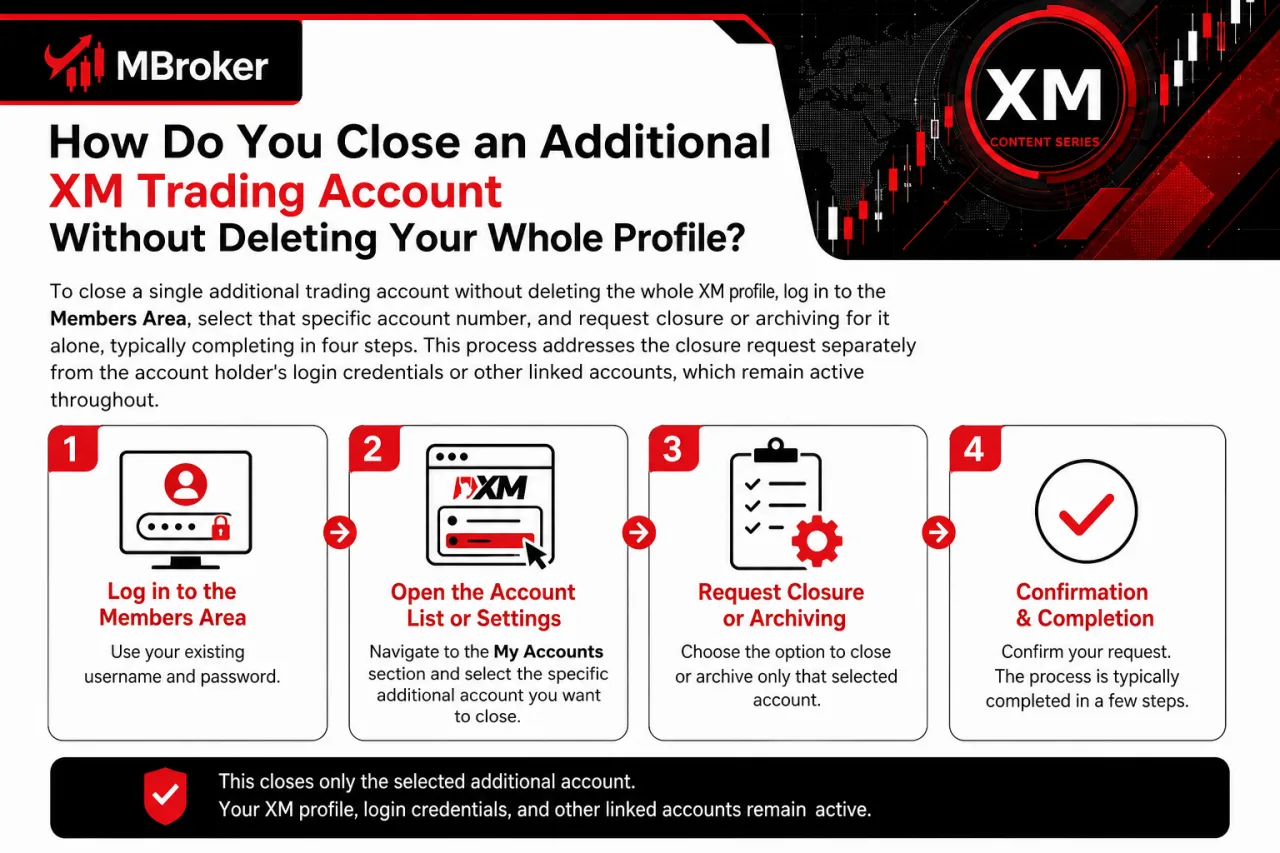
To close a single additional trading account without deleting the whole XM profile, log in to the Members Area, select that specific account number, and request closure or archiving for it alone, typically completing in four steps. This process addresses the closure request separately from the account holder’s login credentials or other linked accounts, which remain active throughout.
- Log in to the Members Area using the existing username and password.
- Open the account list or settings section showing all linked trading accounts.
- Select the specific sub-account by its account number rather than the main profile.
- Request closure or archiving for that account only and wait for confirmation that the remaining accounts stay active.
This action does not change the login email, password, or verification status tied to the main profile. Other open trading accounts under the same profile continue operating normally after the requested account closes.
Traders keeping a dormant sub-account they no longer trade on typically use this option instead of contacting support for a full profile deletion. Readers should confirm which accounts qualify for individual closure through the official XM Members Area matching their registered entity before submitting a request.
What Happens to Your Funds and Balance Before Closing an XM Account?
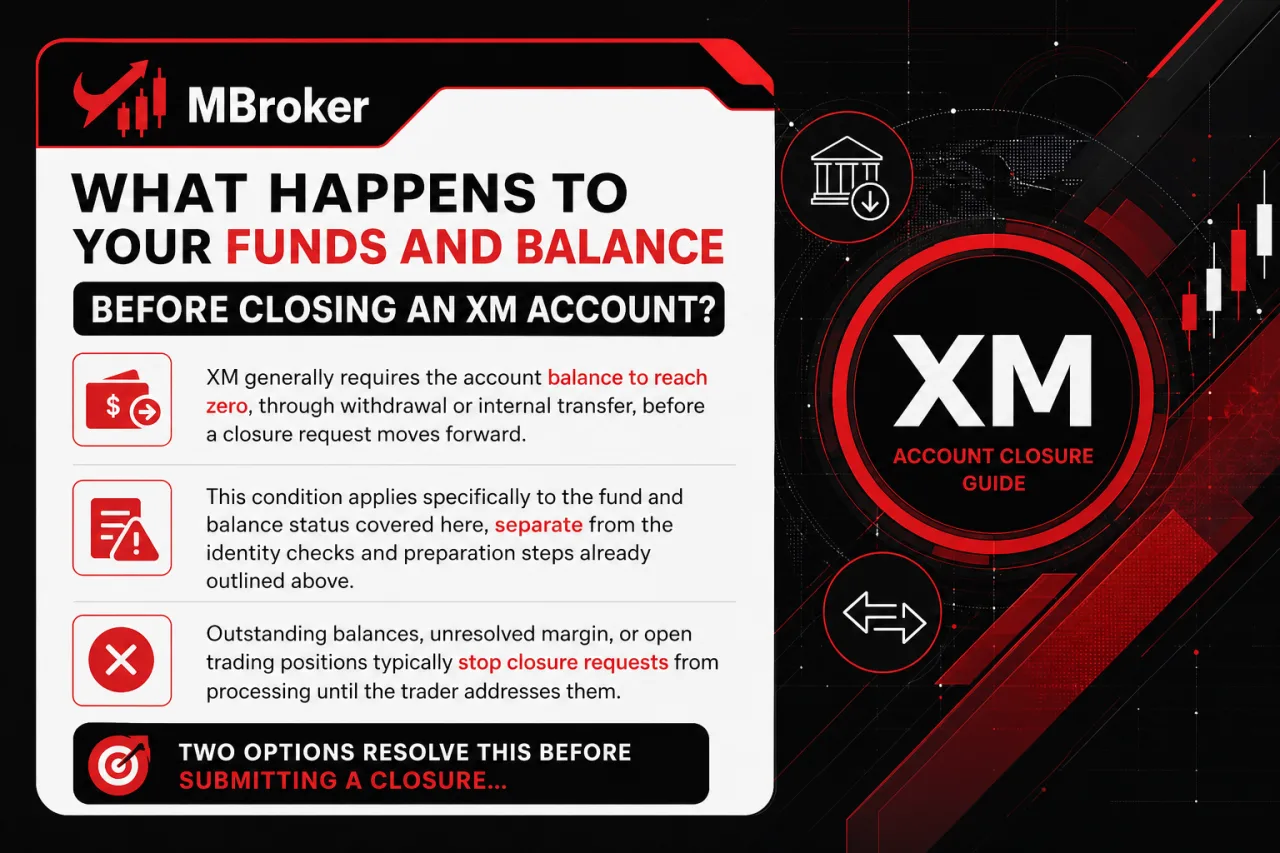
XM generally requires the account balance to reach zero, through withdrawal or internal transfer, before a closure request moves forward. This condition applies specifically to the fund and balance status covered here, separate from the identity checks and preparation steps already outlined above.
Outstanding balances, unresolved margin, or open trading positions stop closure requests from processing until the trader addresses them.
Two options resolve this before submitting a closure request:
- Withdrawal: sending the remaining balance to a supported payment method already linked to the account.
- Internal transfer: moving funds to another active XM account under the same profile instead of withdrawing externally.
XM support reviews the account status once a withdrawal or transfer completes, then proceeds with the closure steps described earlier. Requests submitted while a balance or open position remains face delay or rejection until the trader clears the account.
Traders uncertain whether a small residual balance, unsettled trade, or pending payment blocks closure should contact XM support directly rather than assuming approval. Readers should confirm current balance-clearing requirements and accepted withdrawal methods through the official XM website matching their registered entity before submitting a closure request.
Is Your Personal Data Fully Erased After Closing an XM Account?
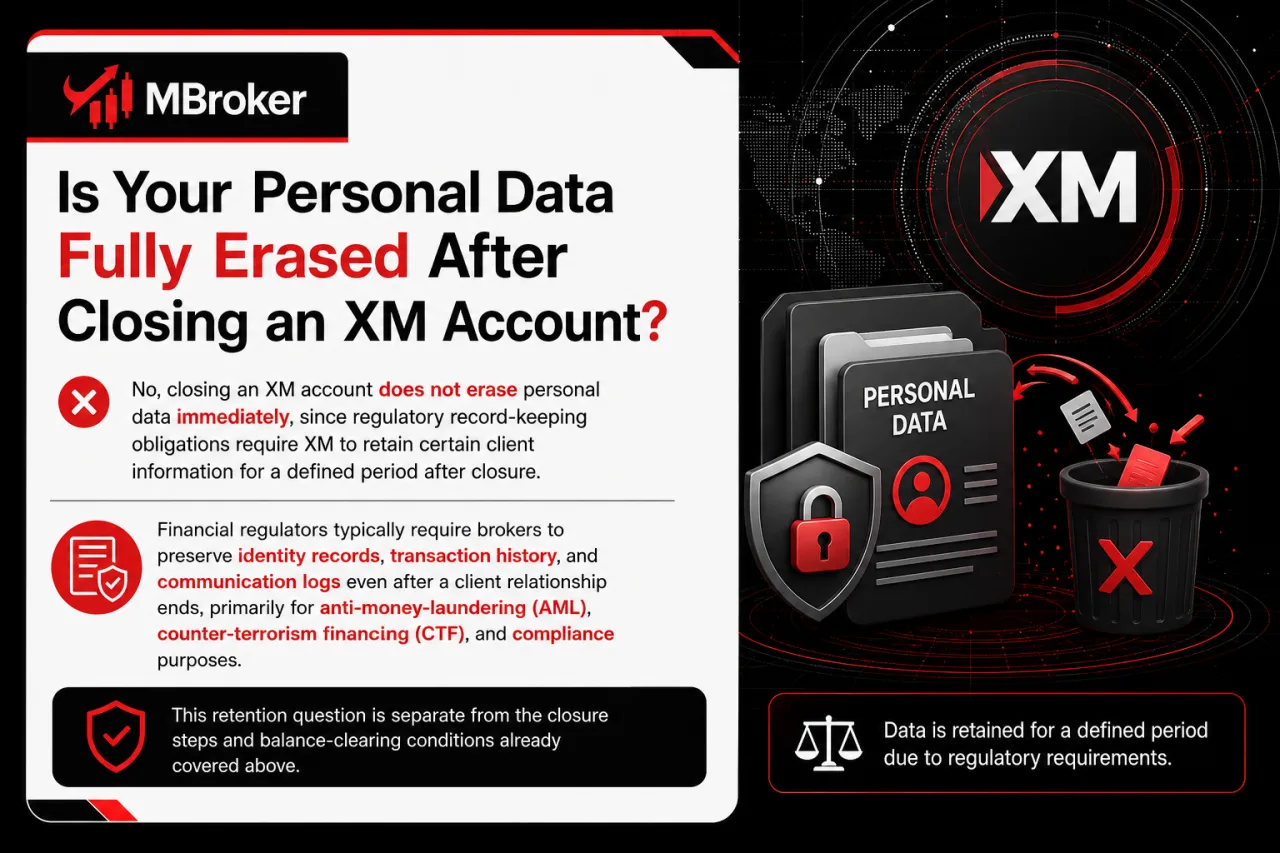
No, closing an XM account does not erase personal data immediately, since regulatory record-keeping obligations require XM to retain certain client information for a defined period after closure. This retention question is separate from the closure steps and balance-clearing conditions already covered above.
Financial regulators typically require brokers to preserve identity records, transaction history, and communication logs even after a client relationship ends, primarily for anti-money-laundering and audit purposes. XM’s data retention period following account closure depends on the specific legal entity that held the account and the regulatory framework governing that entity, since, according to general industry practice under XM’s privacy policy, client data is kept subject to retention limits the company is legally required to comply with, rather than being deleted immediately once there is no legal obligation to retain it.
XM governs this retention practice through its official Privacy Policy rather than through individual user preference, meaning a closed account holder cannot request immediate full deletion of stored records. Traders concerned about how long personal data remains on file should review the privacy or data protection page published on the official XM website matching their registered entity, since retention terms differ across regions and cannot be assumed uniform for every closed account.
What Are Common Reasons Closure Requests Get Delayed or Rejected?
Closure requests typically get delayed or rejected due to five recurring obstacles: pending verification documents, unresolved balance or open positions, unclosed additional linked accounts, unanswered email confirmation, and ongoing disputes or withdrawal reviews. These obstacles differ from the standard eligibility and preparation steps covered earlier, since they represent rare-case snags that stall an otherwise valid request rather than blocking eligibility outright. The sections below group each obstacle and outline when contacting XM support directly becomes the appropriate next step.
How Can You Reopen or Reactivate a Previously Closed XM Account?
To reopen or reactivate a previously closed XM account, a trader contacts XM support directly and requests reactivation, since no self-service reopening option exists in the Members Area. This process addresses closed or archived accounts specifically, separate from the eligibility and preparation steps already covered for new closures.
XM support reviews the request and typically asks for re-verification of identity, since documents or personal details on file may need updating after time has passed.
The outcome generally depends on two factors:
- Duration: how long the account stayed inactive before the reactivation request, since extended dormancy may trigger stricter re-verification.
- Policy: the specific rules of the legal entity that originally held the account, since reactivation terms are not uniform across all XM entities.
Traders should not assume reactivation succeeds automatically, since XM support reviews each request individually. Readers should confirm current reactivation eligibility and required documents directly with XM support through the official channel matching their registered entity before submitting a request.
Conclusion: Can You Delete an XM Account Permanently?
Deleting an XM account generally means requesting the permanent closure of your entire XM profile—not simply deactivating an additional trading account or immediately erasing all personal data. Before submitting the request, close all open positions, resolve pending transactions, and withdraw or transfer the remaining funds so the affected accounts have a zero balance. Next, send the request through the official XM Members Area or a verified support channel, complete any required identity checks, and wait for written confirmation. If you want to retain your main profile, close only the unused additional trading account instead. Because XM may retain identity, transaction, and communication records where required by law, review the current closure and privacy terms for your assigned XM legal entity before proceeding.

Thoren Vextal is Mbroker’s XM Reviews and How-To Guides Editor, covering broker reviews, regulation, comparisons and practical account guides.Email: [email protected]