
 Tiếng Việt
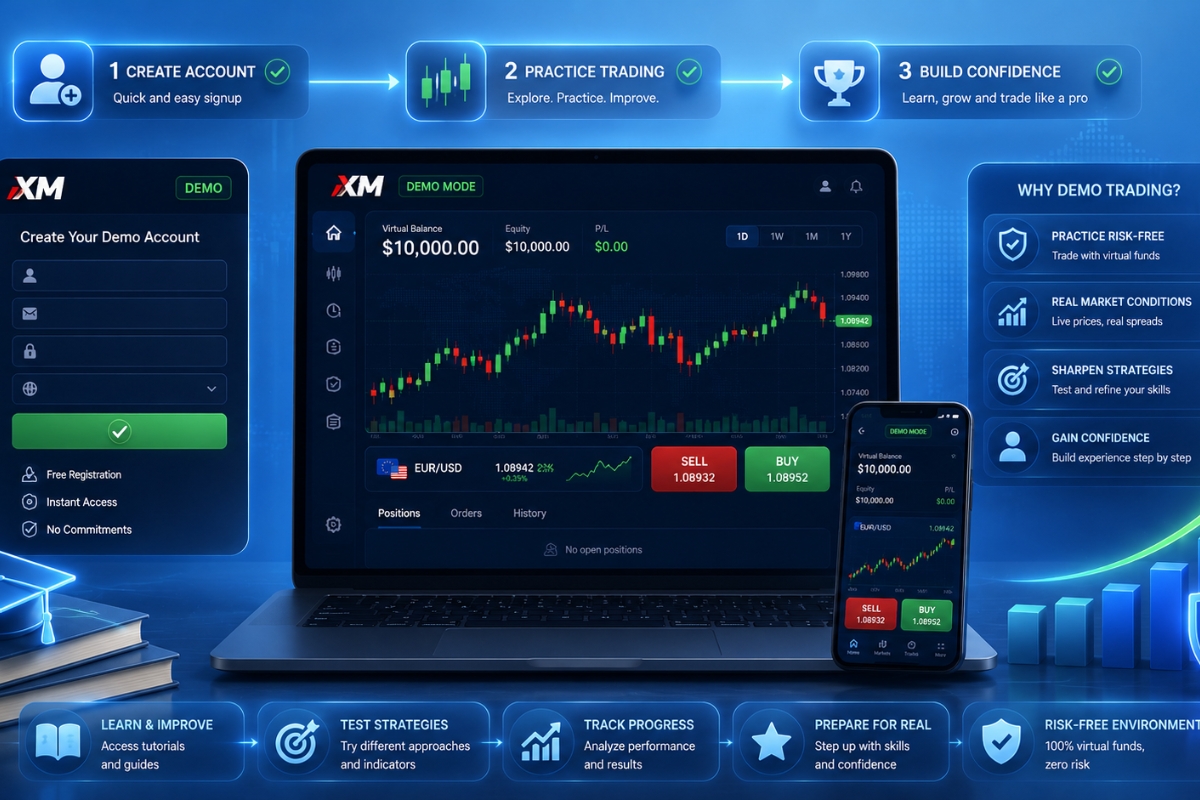
Demo Account XM is a free virtual trading account that simulates real market conditions, allowing users to practice Forex trading without risking real money.
It provides full access to MT4/MT5 platforms with real-time data and virtual balances, helping traders experience realistic trading environments before going live.
You can create a Demo Account XM in just 2–5 minutes without any deposit, by completing a simple online registration process.
Then, trading on Demo Account XM works identically to a real account, including order execution, chart analysis, and use of trading tools.
Additionally, it helps traders learn, test strategies, and reduce risks before using real funds, making it essential for beginners and strategy development.
Demo Account XM offers a risk-free way to learn and practice trading in real market conditions. It is an essential step before moving to live trading. Explore more in the XM Account category to find the best account for your needs.
Demo Account XM and its role in forex trading
The Demo Account XM serves as a vital educational bridge, allowing users to experience the full functionality of the MetaTrader 4 (MT4) and MetaTrader 5 (MT5) platforms using virtual funds. It acts as a flight simulator for traders, where real-time market data is provided, but the financial risk is eliminated. With over $100,000 in virtual balance provided by default, it is the primary tool used by both novices and professionals to validate their trading systems before going live.

Understanding the fundamental concept of this “virtual arena” is the first step toward mastering the markets.
What is a demo account in forex trading?
A demo account is a type of account offered by brokers that allows a prospective client to experiment with the trading platform and its features before depositing real money. It uses “virtual capital” but maintains a direct connection to live price feeds, meaning every pip movement on the screen reflects the actual global market. For many traders supported by MBroker, the demo account is the essential first chapter of their professional biography.
Once you understand the concept, it is important to see how XM specifically implements this technology for its users.
How does Demo Account XM work in practice?
In practice, the XM demo account functions exactly like a real account, featuring the same charting tools, execution speeds, and technical indicators. When you place a “Buy” or “Sell” order, the platform calculates profits and losses based on live market fluctuations, updating your virtual balance in real-time. This allows you to practice risk management, such as setting Stop Loss and Take Profit levels, in a consequence-free environment.
Beyond basic mechanics, the specific features of the XM demo suite are what truly set it apart from other brokers.
Overview of Demo Account XM features and conditions
The features and conditions of a Demo Account XM are designed to be an identical mirror of the broker’s live trading environment. Traders get access to over 1,000 financial instruments, including Forex, Stocks, Gold, and Equity Indices, all available through a single interface. One of the most significant conditions is that the demo account has no expiration date, provided it remains active, allowing users to test long-term strategies over months or even years.

To maximize the utility of this account, one must be aware of the specific technical capabilities included in the package.
What features are included in Demo Account XM?
The XM demo suite is packed with professional-grade tools:
- Multi-Platform Access: Use the same login for MT4, MT5, and the XM WebTrader.
- Full Indicator Library: Access 30+ technical indicators and 24 analytical objects.
- Expert Advisor (EA) Support: Test automated trading robots in real market conditions.
- One-Click Trading: Practice rapid execution strategies with a single mouse click.
While the features are expansive, the underlying “rules of engagement” or conditions are equally important.
What trading conditions apply to XM demo accounts?
The trading conditions are engineered for realism, featuring:
- Leverage: Flexible options ranging up to 1000:1, matching live account capabilities.
- Spreads: Real-time variable spreads starting as low as 0.6 pips on certain account types.
- Execution: A “No Re-quotes” policy ensures that your virtual orders are filled at the price you see.
- Expert Support: Even demo users can access XM’s multi-lingual customer service for technical help.
Having seen what the platform offers, the next logical move is to set up your own practice station.
How to create Demo Account XM step by step
Creating a Demo Account XM is a streamlined process that takes less than two minutes and requires no sensitive financial documentation. Unlike live accounts, you only need to provide basic contact information to get started. This low barrier to entry ensures that anyone, regardless of their current financial status, can begin their journey toward becoming a market expert today.
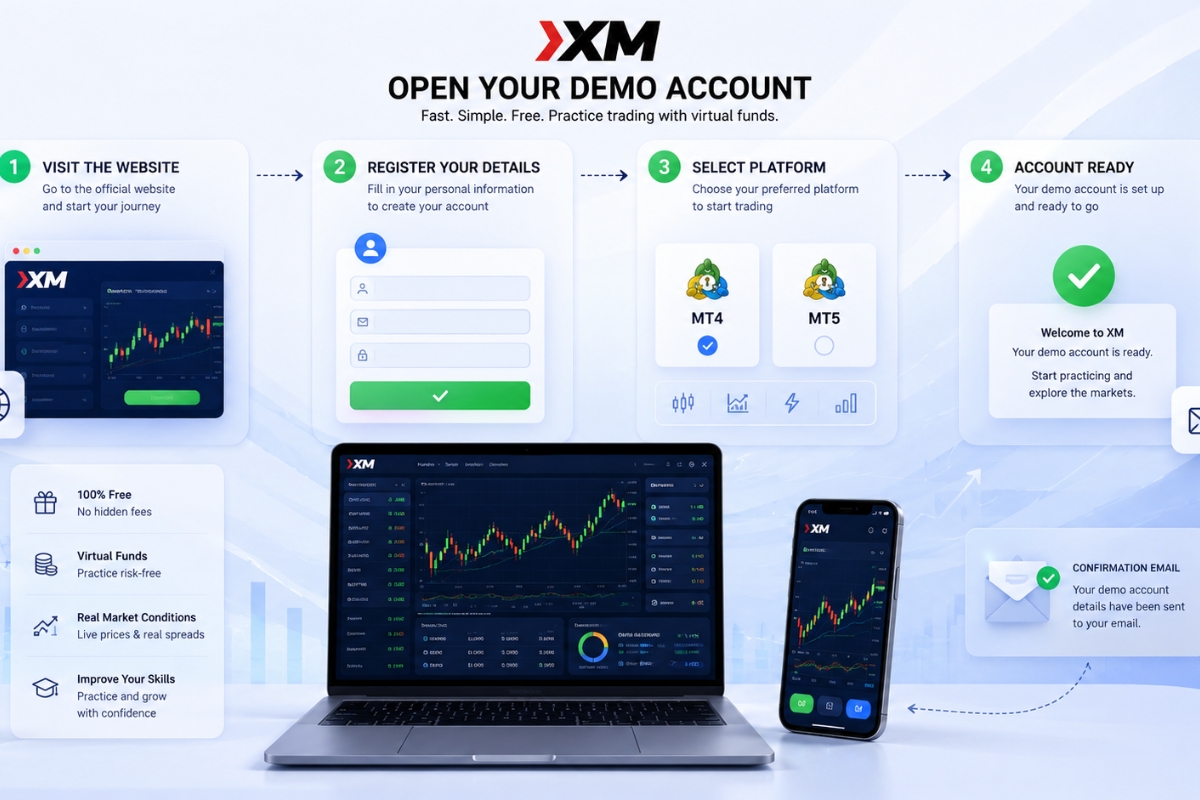
Follow this structured path to ensure your account is configured correctly from the start.
What are the steps to opening a demo account XM?
Opening an account involves three simple phases:
- Visit the Official Site: Navigate to the XM homepage and click “Open a Demo Account.”
- Registration: Fill in your name, country, phone number, and email address.
- Configuration: Select your preferred trading platform (MT4 or MT5) and account type. After clicking “Start Free Demo,” you will receive a confirmation email with your login ID and server details.
During the configuration phase, the choices you make will determine how realistic your practice environment feels.
What settings should you choose when creating a demo account?
For the most realistic experience, the experts at MBroker recommend the following settings:
- Trading Platform: Choose MT5 if you want to trade stocks; MT4 if you focus solely on Forex.
- Account Type: Select “Standard“ or “Ultra Low“ to see the most competitive spreads.
- Investment Amount: Set a virtual balance that matches what you realistically plan to deposit in the future (e.g., $1,000 instead of $100,000) to keep your psychology grounded.
Once your account is live and configured, you are ready to place your first trade.
Demo Account XM trading process and platform usage
The trading process on a Demo Account XM is the ultimate rehearsal for live market participation. Users can navigate the “Market Watch” window to find their desired assets, drag them onto the chart area, and use the “New Order” ticket to enter the market. The interface is designed to be intuitive, ensuring that the transition from clicking “Demo” to clicking “Real” is technically seamless, as the buttons and menus remain in the exact same positions.
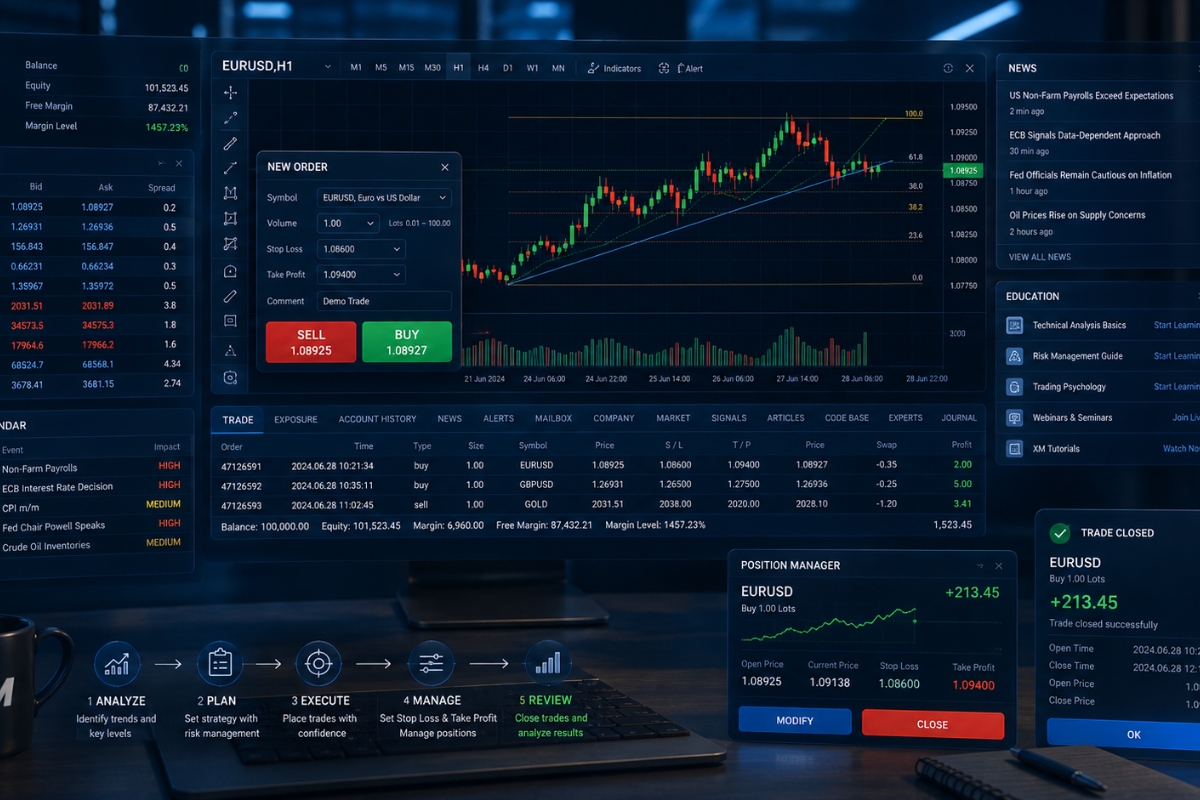
To trade effectively, you must understand both the execution process and the analytical tools at your disposal.
How to trade on Demo Account XM?
Trading involves four core actions:
- Analysis: Use the drawing tools (trendlines, Fibonacci) to identify a setup.
- Execution: Double-click an asset, choose your volume (lot size), and click “Buy by Market” or “Sell by Market.”
- Management: Right-click an open position to “Modify” and add a Stop Loss to protect your virtual capital.
- Closing: Use the “Trade” tab at the bottom to close the position and see your profit or loss reflected in history.
The platform provides more than just a buy/sell button; it offers a suite of supportive technology.
What tools support trading on XM demo account?
XM provides several auxiliary tools to enhance your demo experience:
- Economic Calendar: Track high-impact news events like the US Non-Farm Payrolls (NFP) that cause market volatility.
- Market Research: Access daily news updates and technical summaries directly within the XM portal.
- Educational Videos: XM offers a library of tutorials that explain how to use every feature of the MT4/MT5 platforms. By utilizing these tools, you can implement the strategies found on the MBroker homepage with higher precision.
While the demo account is an incredible asset, it is important to weigh its advantages against its natural constraints.
Benefits and limitations of Demo Account XM
The balance of benefits and limitations is what makes the Demo Account XM such an effective training tool. Its primary purpose is to build competence and confidence without financial penalty. However, traders must remain aware that the lack of real financial stakes can create a “psychological gap” that must be bridged before moving to a live account.

Let’s break down exactly why this tool is indispensable and where you should be cautious.
What are the benefits of using Demo Account XM?
The advantages are numerous and foundational for success:
- Zero Financial Risk: You can lose your entire virtual balance and simply “reset” it with one click.
- Strategy Validation: Backtest indicators and manual systems across years of historical data.
- Platform Mastery: Learn all the keyboard shortcuts and order types so you don’t make technical errors in live trading.
- Market Familiarity: Understand the “personality” of different pairs, such as the volatility of Gold versus the stability of EUR/USD.
Despite these strengths, a demo account cannot perfectly replicate the human element of trading.
What are the limitations of Demo Account XM?
The limitations are primarily psychological and technical:
- Absence of Emotion: You won’t feel the “fear” of a loss or the “greed” of a win, which are the two biggest challenges in live trading.
- Execution Differences: In a live account, “slippage” may occur during extreme news events, whereas demo fills are often “perfect.”
- Complacency: Traders often take bigger risks on demo than they ever would with their own savings. To overcome these, MBroker advises traders to treat their demo balance as if it were real money to build the necessary discipline.
The Demo Account XM is an unparalleled gateway to the financial markets, offering a professional, risk-free environment for growth. By following the setup guide and utilizing the tools mentioned, you can build a solid foundation of expertise.
Explore more in the XM Account category to choose the right account type. Join MBroker to receive expert guidance and cashback support to reduce your trading costs.

Neria Solven is a financial analyst specializing in XM trading fees and account types, known for her clear and practical insights. Email: [email protected]