


XM trading hours generally run from Sunday evening until Friday evening GMT, following the standard weekly Forex market cycle observed across most global brokers, though exact opening and closing minutes can shift slightly depending on daylight saving adjustments and the specific instrument traded. Outside this window, order execution and price streaming on the XM platform stop until the next weekly session opens.
XM observes modified trading hours around major holidays such as Christmas and New Year, in line with standard industry practice during these periods, with reduced liquidity or early market closures on affected days. These schedule changes are published in advance through official XM notices and typically affect Forex, indices, and commodities differently.
Gold (XAU/USD) on XM generally follows extended trading hours closely aligned with global Forex sessions, reflecting its status as a widely traded instrument with near round the clock liquidity, while other Forex pairs trade nearly 24 hours a day during the active weekly window. Exact opening and closing times still vary slightly by instrument and account type.
XM server time is typically set to GMT or GMT+2/GMT+3 depending on the daylight saving period, consistent with common broker server time conventions, which differs from a trader’s local time zone shown on their device. Converting server time correctly is essential for confirming when a specific session actually opens or closes.
Mbroker breaks down these schedules in detail below, starting with the exact weekly opening and closing structure that defines when XM trading is active.
When Are XM Trading Hours Open and Closed Each Week?
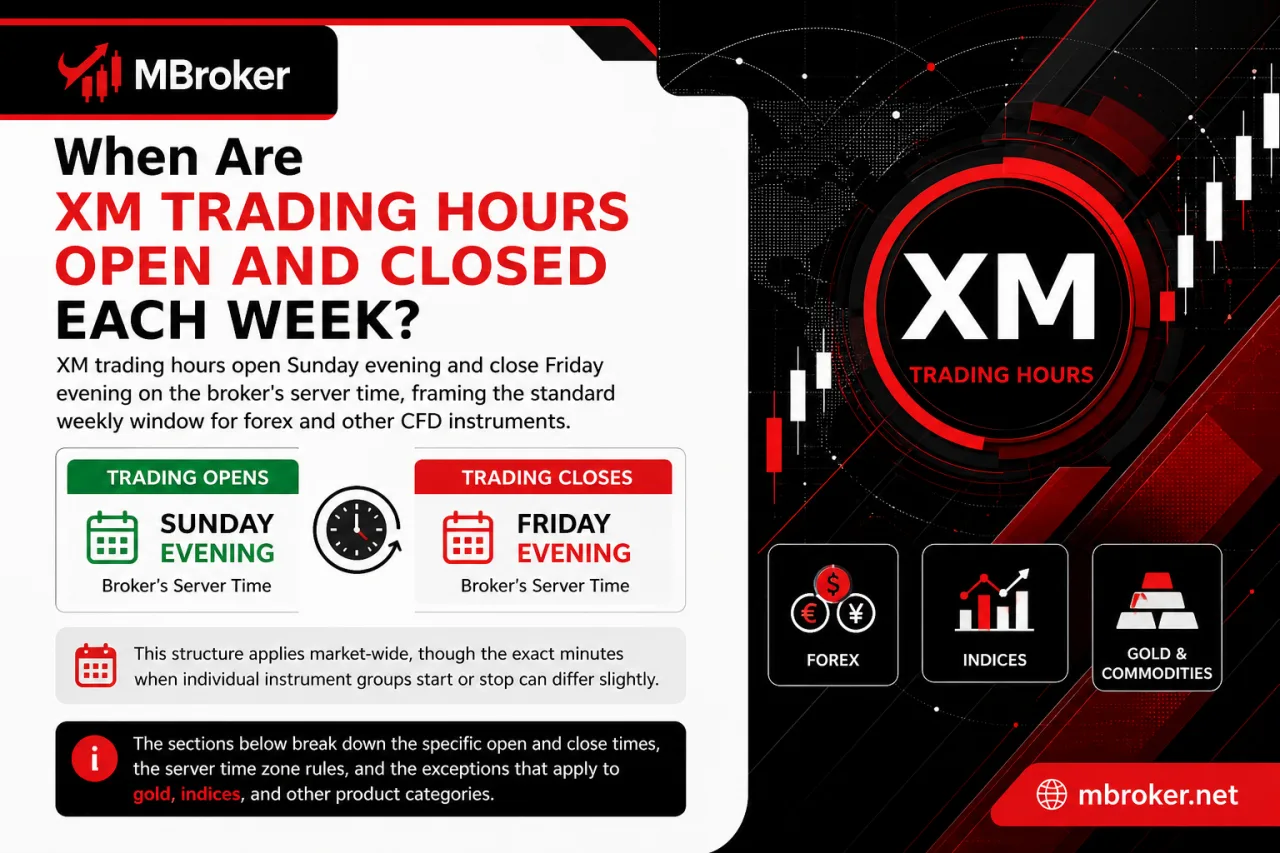
XM trading hours open Sunday evening and close Friday evening on the broker’s server time, framing the standard weekly window for forex and other CFD instruments. This structure applies market-wide, though the exact minutes when individual instrument groups start or stop can differ slightly. The sections below break down the specific open and close times, the server time zone rules, and the exceptions that apply to gold, indices, and other product categories.
What Are the Four Main Trading Sessions During the XM Trading Week?
XM trading hours group into four main sessions—Sydney, Tokyo, London, and New York—which open and close in server time in sequence to keep the market active nearly around the clock.
These four windows structure the entire weekly period referenced earlier, since the Sunday-to-Friday schedule is really a chain of regional sessions handed off one after another.
- Sydney session opens the trading week first, marking the earliest activity after the weekend break.
- Tokyo session follows, adding Asian market liquidity while Sydney is still active.
- London session begins next, overlapping briefly with Tokyo and introducing the busiest European liquidity block.
- The New York session closes the daily cycle, overlapping with the London session for a few hours each day before trading activity winds down.
The overlaps between London and New York, and between Sydney and Tokyo, typically produce higher liquidity and tighter spreads compared to quieter single-session periods. Traders monitoring these transitions in server time gain a clearer picture of when specific currency pairs or CFD instruments experience more active pricing on the XM platform.
Does XM Trading Hours Differ by Account Type or Platform?
No, XM trading hours stay largely consistent across account types, though platform and instrument settings introduce minor variations worth checking. This applies to the weekly open and close structure covered above, since the underlying market sessions do not shift based on which account a trader holds.
Several points clarify this consistency:
- Micro, Standard, and Ultra Low accounts share the same weekly Sunday-to-Friday schedule, as they all connect to the same underlying liquidity and pricing feeds.
- Shares accounts follow the trading calendar of the specific stock exchange behind each CFD, which can differ from the standard Forex weekly window.
- MT4 and MT5 generally mirror each other’s market hours for the same instrument, though execution speed or symbol naming may vary slightly between platforms.
- Certain instrument groups, such as commodities or indices, may open or close a few minutes earlier or later regardless of account type, based on the underlying market rather than the account itself.
Traders confirm exact opening and closing minutes for their specific account type and platform on XM’s official contract specification pages before placing trades, since small discrepancies can affect order timing near session boundaries.
What Is the XM Server Time Zone and How Does It Compare to Local Time?
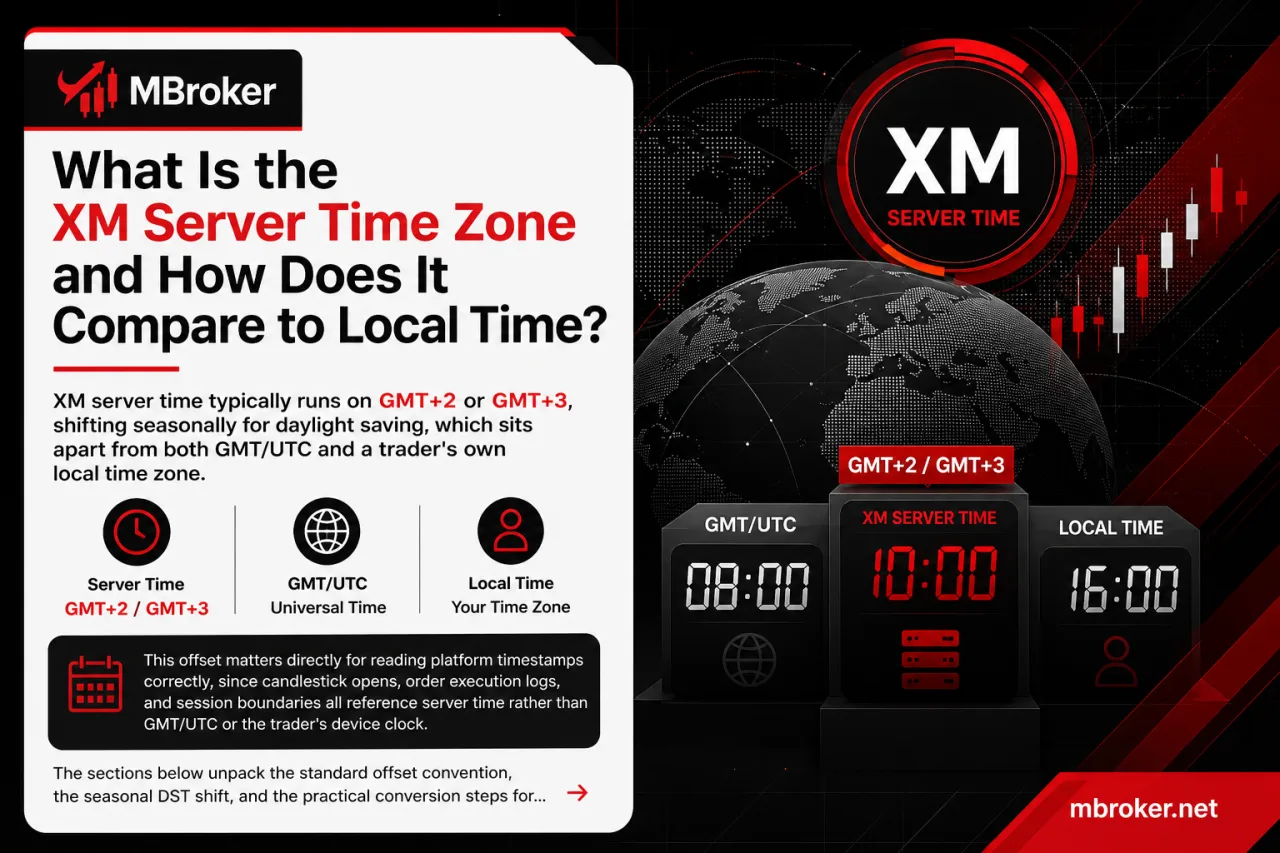
XM server time typically runs on GMT+2 or GMT+3, shifting seasonally for daylight saving, which sits apart from both GMT/UTC and a trader’s own local time zone. This offset matters directly for reading platform timestamps correctly, since candlestick opens, order execution logs, and session boundaries all reference server time rather than GMT/UTC or the trader’s device clock. The sections below unpack the standard offset convention, the seasonal DST shift, and the practical conversion steps for comparing server time against local time.
How to Convert XM Server Time to Your Local Time Zone?
To convert XM server time to a local time zone, traders check the current server clock on the trading platform, then calculate the fixed offset against their own region. This process directly resolves the mismatch described above between server time and a trader’s device clock. The method breaks down into three practical steps.
- Checking the platform clock: MT4 and MT5 display the server time in the terminal window or on chart timestamps, giving the exact reference point before any conversion happens.
- Calculating the offset: traders subtract or add the difference between the displayed server time and their local time zone, accounting for the GMT+2/GMT+3 seasonal shift covered earlier. XM does not always adjust its server clock on the same calendar dates as a trader’s home country daylight saving changes, so a temporary mismatch can appear around those seasonal shifts.
- Using the terminal time display: setting an additional clock widget or a broker-provided session indicator inside the platform confirms the converted local time matches the intended trading window before placing an order.
Traders bookmark this offset once confirmed. It stays fixed until the next seasonal shift. More active traders cross-check the converted time against economic calendars to avoid confusion near session open and close points.
Does XM Server Time Change with Daylight Saving Time (DST)?
Yes, XM server time changes with Daylight Saving Time, shifting the platform clock by one hour during the seasonal transition. This shift directly affects the GMT+2/GMT+3 offset described earlier, since the same session boundary appears to move by an hour on charts and order logs once the change takes effect.
Three points clarify this DST behavior:
- Seasonal transition dates on the server clock do not always match a trader’s home country DST calendar, creating a temporary gap between the two clocks.
- Session open and close times displayed in the trading terminal shift by one hour once the server applies its own DST adjustment.
- Traders confirm the current server offset directly on the platform before scheduling trades near the transition window, since relying on a previously bookmarked offset produces an incorrect session time during that period.
Checking the live server clock inside MT4 or MT5 remains the most reliable way to confirm whether the DST shift has already applied on any given day.
What Are the XM Holiday and Special Trading Hours?
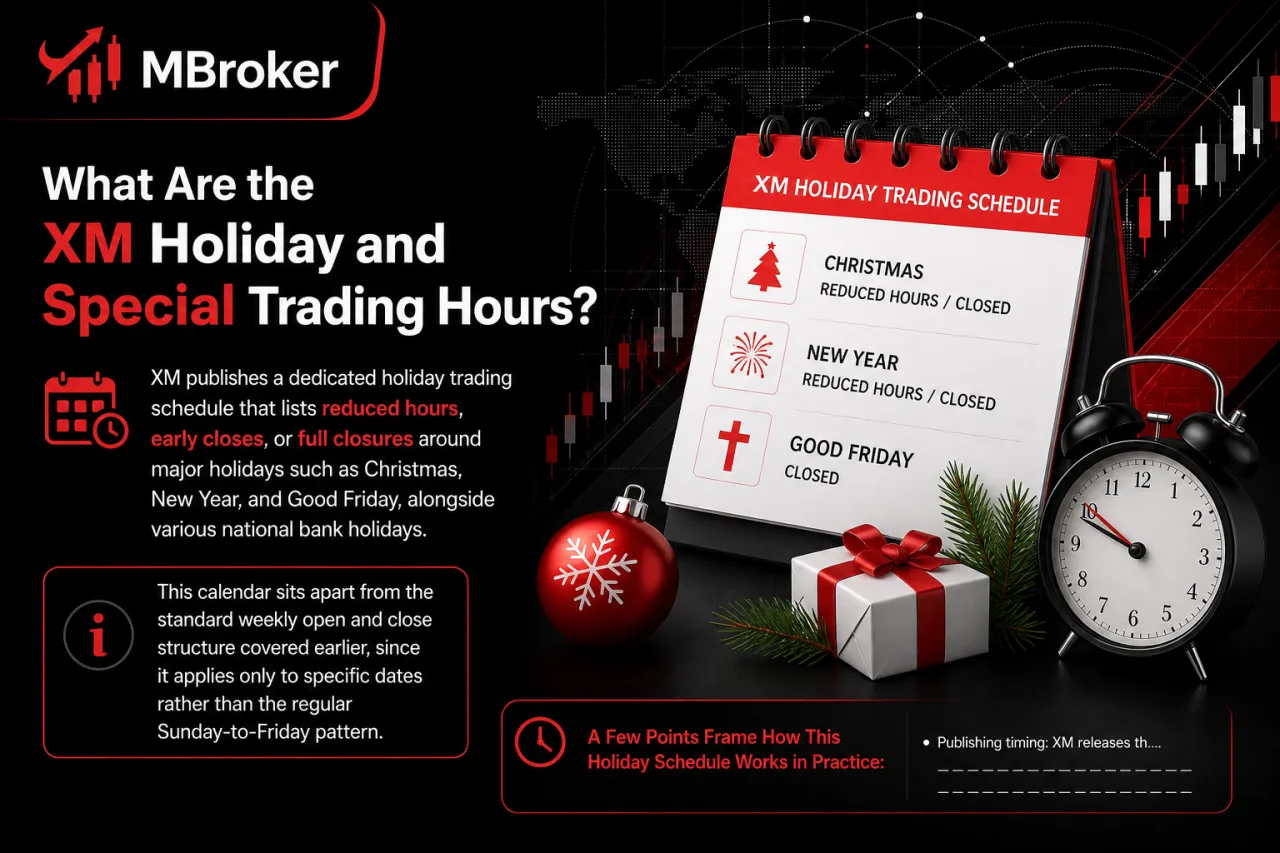
XM publishes a dedicated holiday trading schedule that lists reduced hours, early closes, or full closures around major holidays such as Christmas, New Year, and Good Friday, alongside various national bank holidays. This calendar sits apart from the standard weekly open and close structure covered earlier, since it applies only to specific dates rather than the regular Sunday-to-Friday pattern.
A few points frame how this holiday schedule works in practice:
- Publishing timing: XM releases the holiday calendar in advance of each affected period, allowing traders to plan around known closures.
- Instrument variation: Forex, indices, commodities, and shares each follow separate holiday hours, since the underlying exchange or market behind each instrument sets its own closure dates.
- Liquidity impact: reduced trading hours around holidays typically bring thinner liquidity and wider spreads compared to a normal session.
- Regional differences: national bank holidays affecting one market, such as a specific stock exchange, do not necessarily close other instrument groups on the same day.
Traders check the official XM holiday calendar directly on the broker’s website each year, since exact dates and affected instruments shift annually and are not fixed on the same calendar day every time.
How Do Trading Hours Change During Christmas and New Year?
XM trading hours shorten around Christmas and New Year, with reduced sessions or full closures on Christmas Eve, Christmas Day, New Year’s Eve, and New Year’s Day across most instrument groups. This pattern extends the holiday schedule structure covered above, applying specifically to this year-end period rather than other national bank holidays.
A general sequence appears each year around these dates:
- Christmas Eve typically sees an early market close, with trading stopping several hours ahead of the usual Friday or weekday closing time.
- Christmas Day usually brings a full closure across Forex, indices, and commodities, since most global markets pause on this date.
- New Year’s Eve often follows a similarly shortened session, closing earlier than a standard trading day.
- New Year’s Day generally remains closed market-wide before the weekly schedule resumes on the next active trading day.
Exact closure times and affected instruments can shift from one year to the next, since brokers like XM typically adjust the specific hours based on how the holidays fall on the calendar. Confirming the current year’s schedule directly through XM’s official holiday announcement remains the only reliable way to know the precise opening and closing minutes before placing trades near these dates.
Why Do Trading Hours Vary Around Public Holidays?
Trading hours vary around public holidays because the underlying exchanges, central banks, or liquidity providers behind each instrument close or reduce activity on those dates. This connects directly to the holiday calendar discussed above, since XM adjusts its own availability to match whatever the source market is doing rather than setting an independent schedule.
A few factors drive this pattern:
- Exchange closures: stock exchanges behind share CFDs and some indices shut on national holidays, removing the pricing feed XM relies on for that instrument.
- Bank closures: reduced staffing at major banks during holidays thins out the liquidity pool that normally supports tight spreads in Forex and commodities.
- Liquidity provider gaps: fewer active participants in the interbank market during holiday periods widens spreads and slows order execution.
- Regional scope: a holiday affecting one country’s exchange or bank typically leaves other markets and instrument groups trading close to normal.
XM shortens or suspends trading on affected instruments specifically because continuing to quote prices without adequate liquidity behind them raises execution risk for traders. Checking the official holiday calendar before each affected date remains the only way to confirm which instruments face reduced hours in any given year.
What Are the Trading Hours for Gold (XAU/USD) and Forex Instruments on XM?
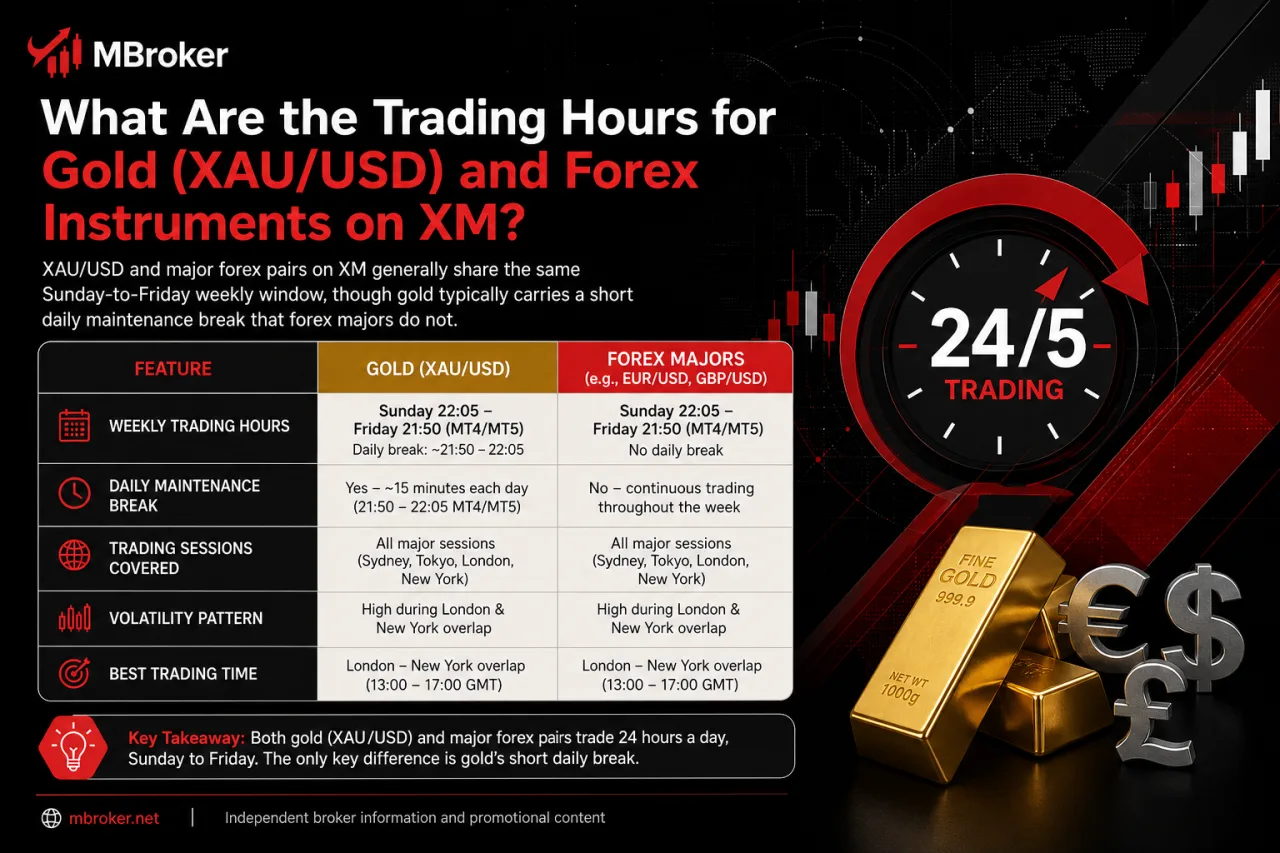
XAU/USD and major forex pairs on XM generally share the same Sunday-to-Friday weekly window, though gold typically carries a short daily maintenance break that forex majors do not. This distinction builds on the weekly and session structure covered earlier, since instrument-level details determine when a specific symbol actually accepts orders within that broader schedule. The comparison below frames the general pattern before the following breakdown examines each side individually.
| Instrument | Weekly Open/Close | Daily Maintenance Break |
|---|---|---|
| XAU/USD (Gold) | Sunday evening to Friday evening, server time | A short daily pause applies around platform rollover, in line with standard practice for metals trading |
| EUR/USD, GBP/USD, USD/JPY (Major Forex) | Sunday evening to Friday evening, server time | Quoting stays near-continuous through the trading week, with no daily maintenance break comparable to gold |
These figures remain indicative rather than fixed, since XM updates exact opening minutes, break windows, and instrument-specific rules from time to time. Verifying the current schedule directly on XM’s official contract specifications page confirms the precise hours applicable before placing any order on gold or forex pairs.
What Are the Daily Trading Hours for Gold (XAU/USD) on XM?
XAU/USD trades on XM through a near-continuous daily window that pauses briefly around end-of-day settlement. This structure sits apart from the round-the-clock quoting typical of major forex pairs. This settlement gap connects directly to the maintenance break referenced in the earlier comparison table, since gold’s underlying spot market rolls over its pricing feed once per trading day.
XM applies this short pause to XAU/USD at a fixed point in server time each trading day, generally coinciding with the platform’s daily rollover window.
A few points frame how this daily structure behaves in practice:
- Opening resumes shortly after the settlement pause ends, restoring continuous pricing for the remainder of the trading day.
- Spreads sometimes widen briefly around this rollover point, reflecting the temporary drop in liquidity during the pause.
- Weekend and holiday rules layered on top of this daily break follow the same weekly and holiday schedules already covered for the broader market.
Traders should verify the current XAUUSD trading schedule and daily maintenance window through XM’s official contract specifications. Our XM Gold Trading guide explains how to trade XAUUSD, including trading hours, contract specifications, position sizing, and margin requirements.
Are Forex Trading Hours the Same for All Currency Pairs on XM?
No, forex trading hours on XM are not identical for every pair, since majors and minors share one broad window while exotic pairs run narrower liquidity periods. This distinction builds on the daily gold and forex comparison covered above, since currency pairs themselves are not a single uniform group despite sharing the same Sunday-to-Friday structure.
A few points clarify this variation:
- Major pairs such as EUR/USD, GBP/USD, and USD/JPY quote continuously through the standard weekly session, since deep interbank liquidity keeps pricing active across all four regional sessions.
- Minor pairs generally follow this same broad window, though spreads sometimes widen slightly during quieter session overlaps.
- Exotic pairs, involving currencies from smaller or less liquid economies, sometimes carry reduced trading windows or thinner liquidity at specific hours within the same weekly frame.
- Symbol-specific settings on XM’s contract specifications page determine the exact opening minutes, closing minutes, and any liquidity gaps for each individual pair.
Checking the official contract specifications for a specific symbol before trading confirms whether that pair follows the standard weekly window or a narrower schedule.
What Other Instrument Groups Have Unique Trading Hour Patterns on XM?
Stock CFDs, indices, and energy products follow instrument-specific trading sessions rather than one uniform Forex schedule. Our XM Energies guide explains the trading hours, daily maintenance periods, and holiday adjustments affecting WTI, Brent, and Natural Gas CFDs. The sections below compare stock exchange hours with the trading breaks that may apply to index and commodity CFDs.
How Do Stock CFD Trading Hours Differ from Forex on XM?
Stock CFD trading hours on XM align with the opening and closing times of the underlying stock exchange, such as the NYSE or LSE. This produces shorter daily windows than the continuous forex week, setting stock CFDs apart from the near round-the-clock forex schedule covered earlier in this guide.
A few points frame this difference:
- Sessions run only during the local trading hours of the reference exchange, rather than spanning the four regional forex sessions.
- Closures follow the exchange’s own weekend and holiday calendar, which does not always match XM’s forex holiday schedule discussed earlier.
- Liquidity concentrates entirely within that single daily window, since no overlapping session extends coverage the way London and New York overlaps do for currency pairs.
- Time zone conversion becomes essential, since exchange hours displayed in local exchange time still need converting to XM server time before scheduling orders.
Exact daily opening and closing minutes for each stock CFD symbol vary by exchange and are subject to change. Checking the specific symbol’s contract specification on XM’s official website confirms the current session hours before trading.
Do Index and Commodity CFDs Have a Daily Rollover Break?
Yes, index and commodity CFDs on XM carry a daily rollover break, since futures-based pricing requires a brief pause for settlement processing before the next trading day begins. This gap sits apart from the weekend market closure covered earlier, as it repeats once every trading day rather than only at the end of the trading week.
A few points frame how this daily pause behaves in practice:
- Timing: the break typically falls around the platform’s daily rollover point, often lasting only a few minutes.
- Purpose: the pause allows the underlying futures contract to update settlement prices before quoting resumes.
- Scope: only instruments tied to futures-based pricing, such as certain indices and commodities, carry this daily gap, while spot-based instruments like major forex pairs generally do not.
- Distinction: this rollover pause differs from the weekly Sunday-to-Friday closure, since it recurs every trading day rather than once per week.
For a closer look at crude oil market schedules, our XM Oil Trading guide explains WTI and Brent trading hours, daily maintenance breaks, and contract rollover conditions. Traders should verify the current schedule and instrument-specific contract details through XM before placing an order.
Conclusion
XM trading hours generally follow the global market week from Sunday evening to Friday evening, but the exact schedule is not identical across all instruments. Major forex pairs trade almost continuously during the active week, while gold, indices, commodities and other CFDs may have daily rollover breaks. Stock CFDs follow the opening hours and holiday calendar of their underlying exchanges.
Before placing an order, traders should confirm the current server time, account for GMT+2 or GMT+3 daylight-saving changes, convert the schedule into their local time zone and review any holiday notices. The latest opening times, closing times and maintenance breaks should always be checked in the contract specifications for the specific symbol being traded.
Liquidity may decline and spreads can widen around session boundaries, daily rollover periods, weekends and public holidays. Traders should therefore avoid relying on a general timetable alone, manage open positions carefully and allow sufficient free margin for unexpected volatility or delayed execution near market closures. Readers can learn more about our independent editorial approach, research standards, and XM financial market resources on the About Mbroker page.

Sylas Trenven is the XM Trading Platform & Markets Editor at Mbroker, specializing in Forex trading platforms, financial instruments, and market-related research. He focuses on analyzing MetaTrader 4, MetaTrader 5, trading technology, and XM market conditions to provide accurate, practical, and accessible information for Forex and CFD traders.